Ask your data in plain English
Ask a question, see the validated query it ran, download the rows, save the question, and open cases for a cohort.
- Open AI → Ask Your Data. Type a question or select a Starter question.
- Select Ask. Read the answer, the chart or table, and the What I ran line — the validated plan that was executed, such as
count from students grouped by status. - Select CSV to download the rows shown.
- Select Save, name the question, and use Run report on the saved row to run the same plan again. Delete report removes it.
- Where a result lists learners, Create cases opens an ordinary pastoral case for each of them. Narrow the question to the exact cohort first, read the count in the confirmation, then confirm; the control changes to Cases opened.
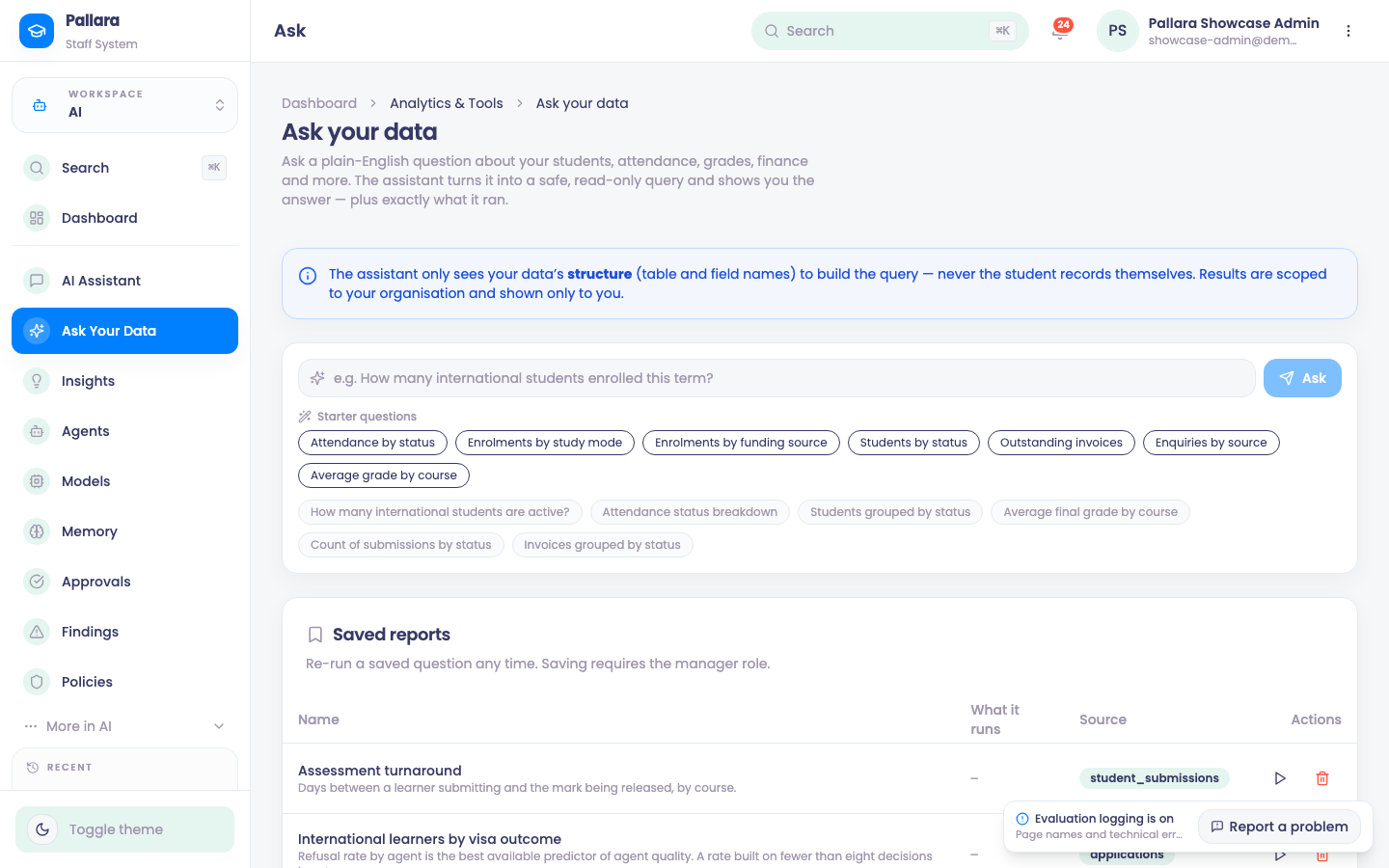
NoteThe assistant receives the schema, never learner records. The generated query is validated, read-only and scoped to your provider before it runs.
Was this guide helpful?