E-signatures with DocuSeal
Send documents for signature from your own DocuSeal instance and track them here.
- An administrator enters the provider's DocuSeal API key, base URL and webhook secret under Administration → Integrations → DocuSeal, and sets DocuSeal's webhook to
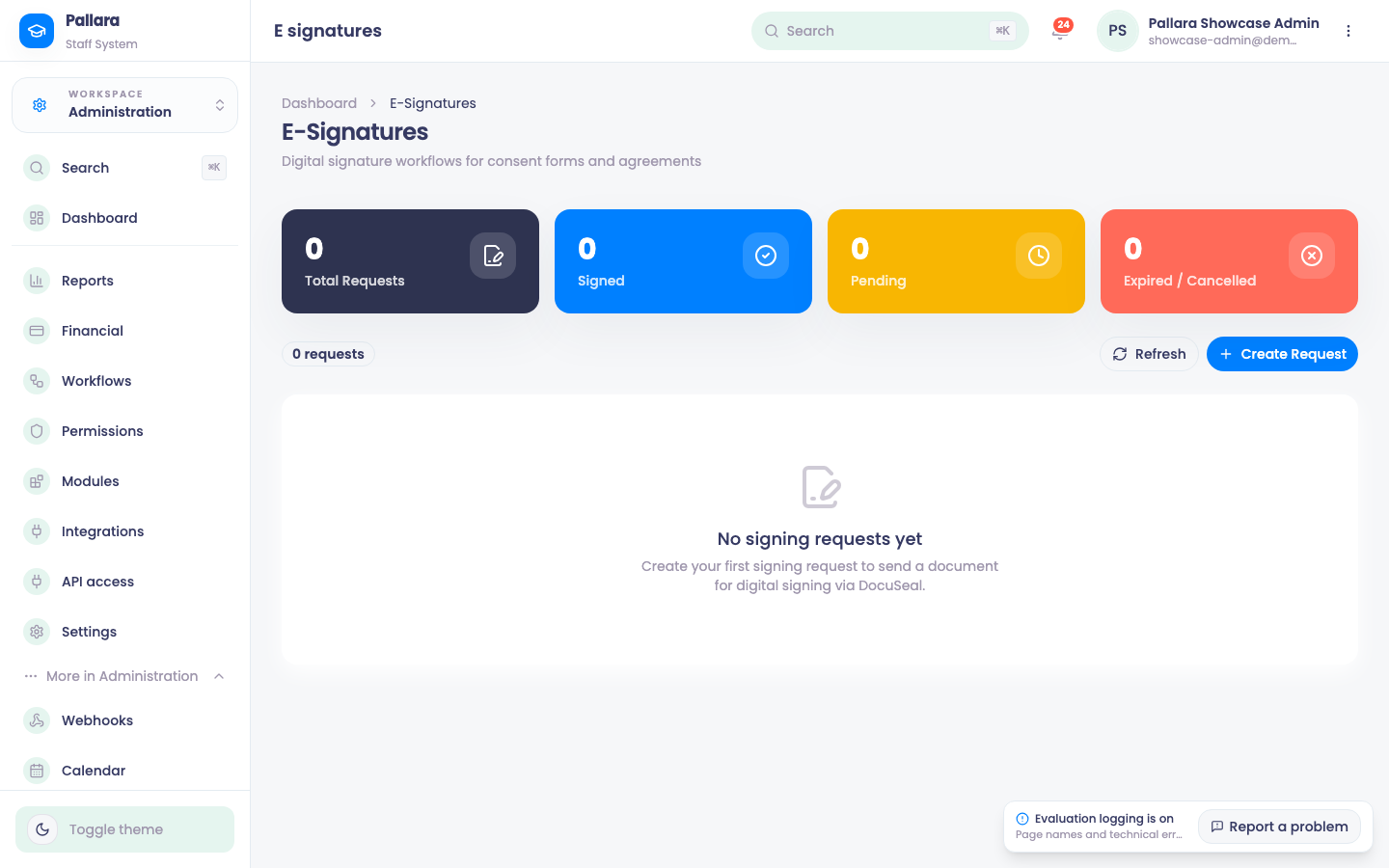
https://<your staff host>/api/e-signatures/webhookwith the same secret. Test reports Connected — templates endpoint reachable. - Open Administration → More → E-Signatures to see every signing request and its state. A new request is refused clearly if DocuSeal is not configured — nothing is recorded as sent that was not sent.
NoteSigned agreements live on the provider's own DocuSeal instance, not on a shared one.
Was this guide helpful?