Inbox and discussions
Conversations with staff, and the course discussion channels.
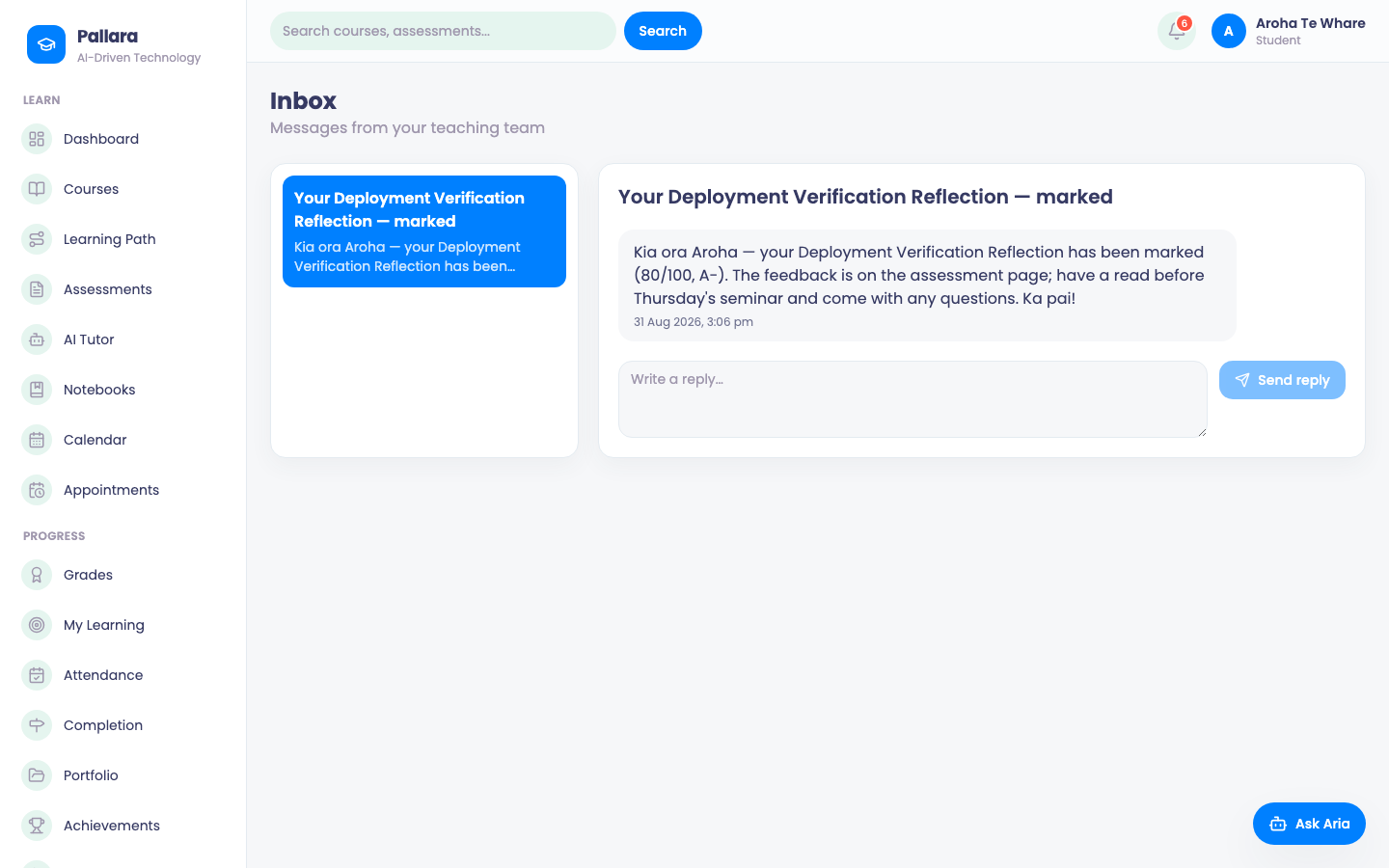
- Select Inbox. You see only conversations you are part of. Opening a thread marks it read; Reply sends your answer to the staff member's Inbox.
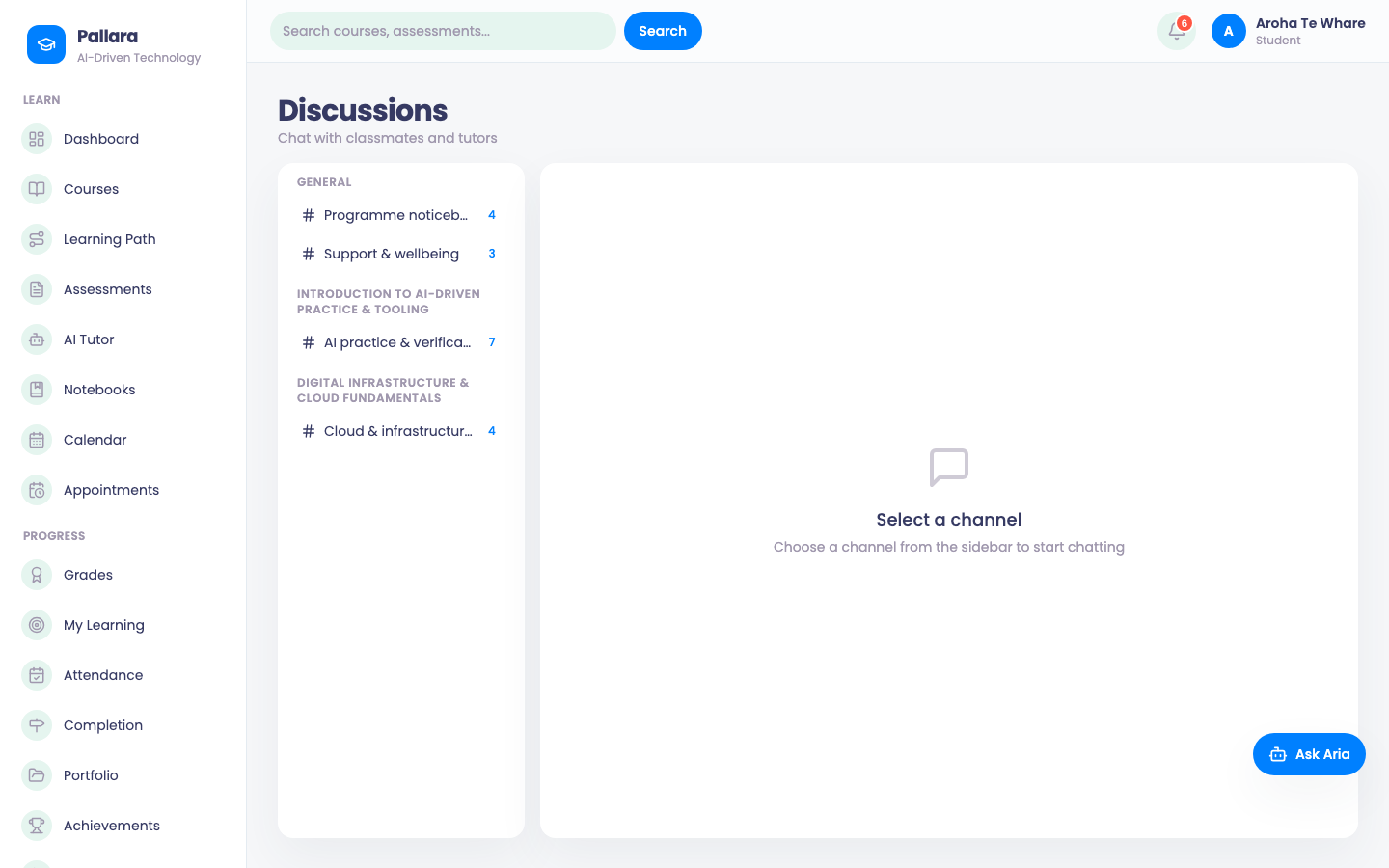
- Select Discussions for active channels you can access. Course channels require a current course assignment that is unlocked and not withdrawn; general channels can also appear.
- Open a channel to post or reply. Replies stay in that channel. Use the available reactions while you still have access.
- Post anonymously only where the channel allows it. Your name is hidden from other learners; authorised staff can still identify the author for moderation. Staff can pin, flag or hide posts.
NoteIf a channel disappears or an action is refused, refresh the page. The channel may have been archived, or your course access may have changed. Ask your facilitator to check; an old link does not restore access.
Was this guide helpful?