Join a group
Choose your own group when your facilitator allows self sign-up.
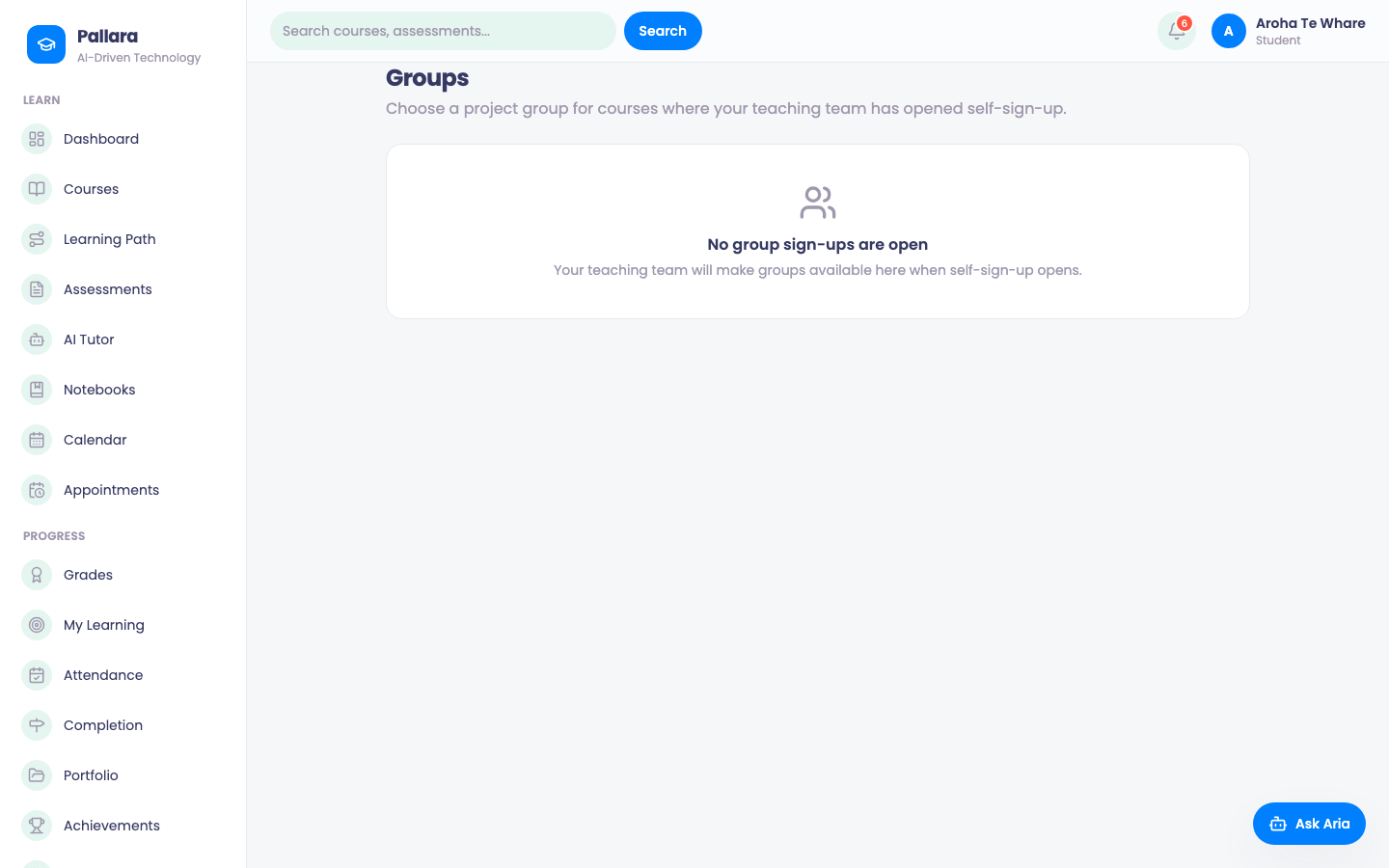
- Select Groups. You see only the group sets in your courses that allow self sign-up.
- Select Join on a group. The card shows My group.
- Move here on another group changes your group; Leave group leaves the set.
- A full group shows a disabled Join and This group is full.
Was this guide helpful?