Book an appointment
Book a time with staff from their published availability, and cancel your own future bookings.
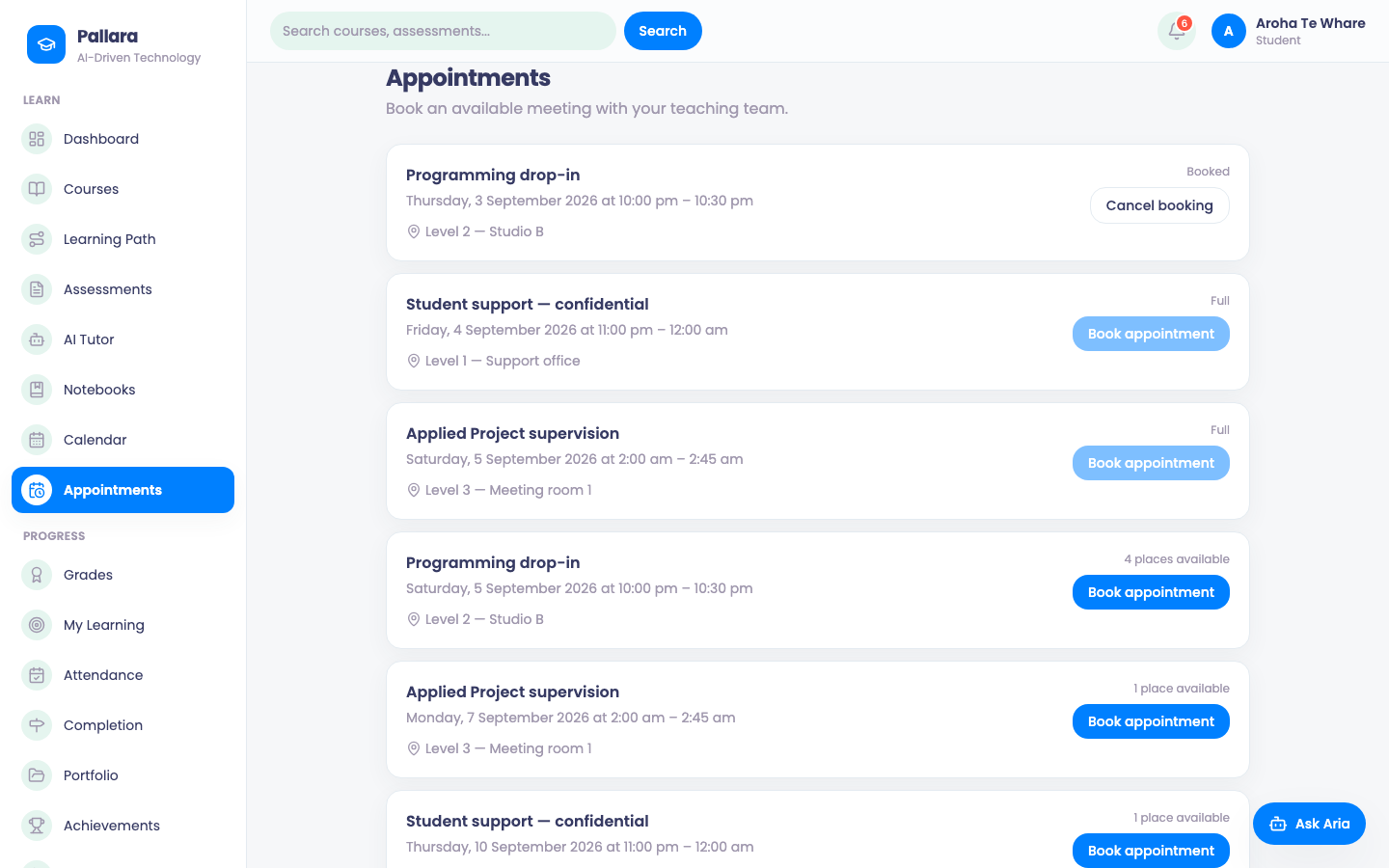
- Select Appointments. Published availability appears by staff member and appointment type.
- Choose a slot and book it. It appears here and on your Calendar.
- Cancel a booking from the same page. You can book or cancel only your own future appointments.
Was this guide helpful?