Student ID, payments and profile
Your ID card, paying an invoice online, and keeping your details current.
Student ID
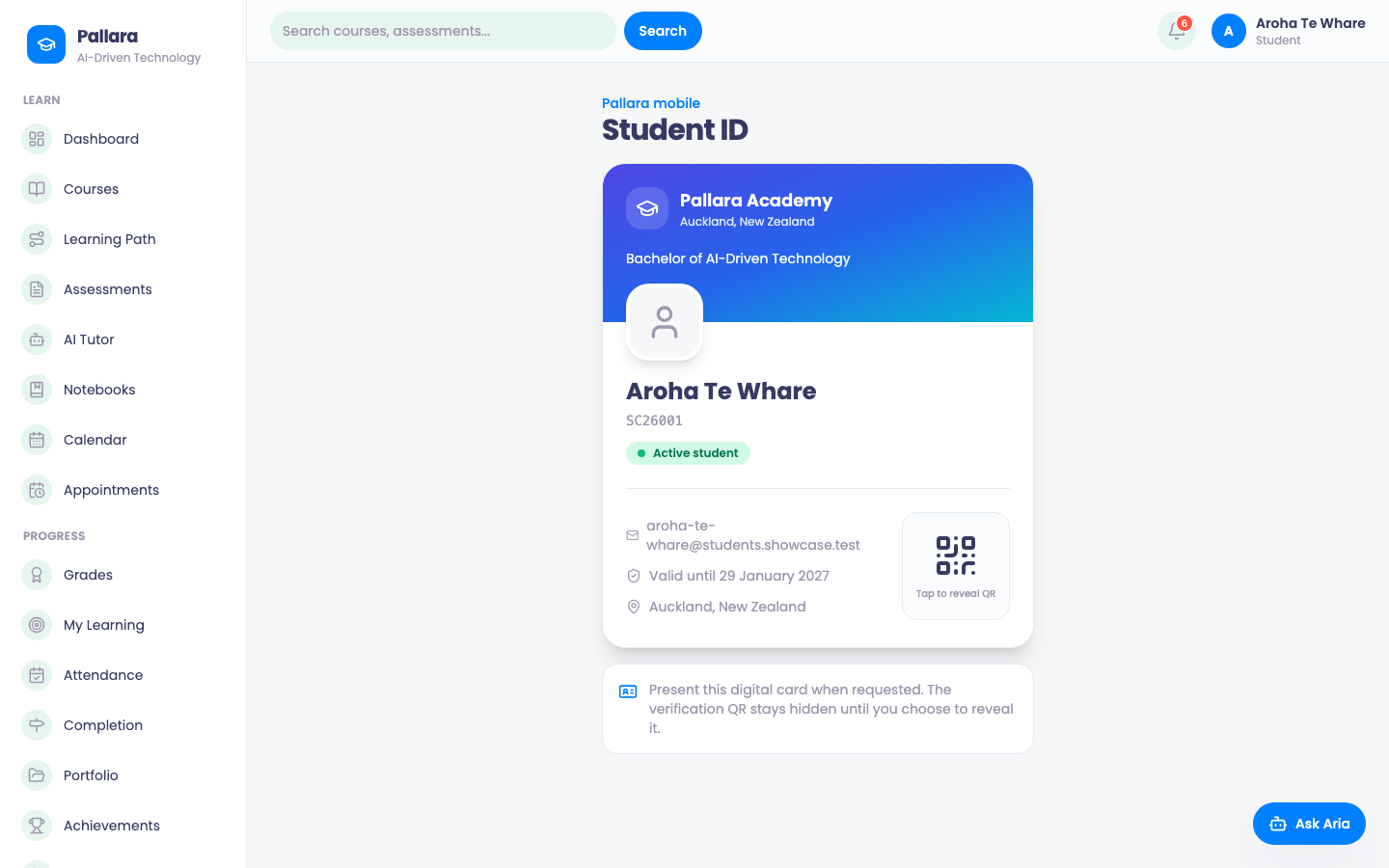
Student ID is your digital ID card: provider, programme, name, student number, status and the date it is valid until. Tap to reveal QR shows the code a staff member scans to verify it.
Payments
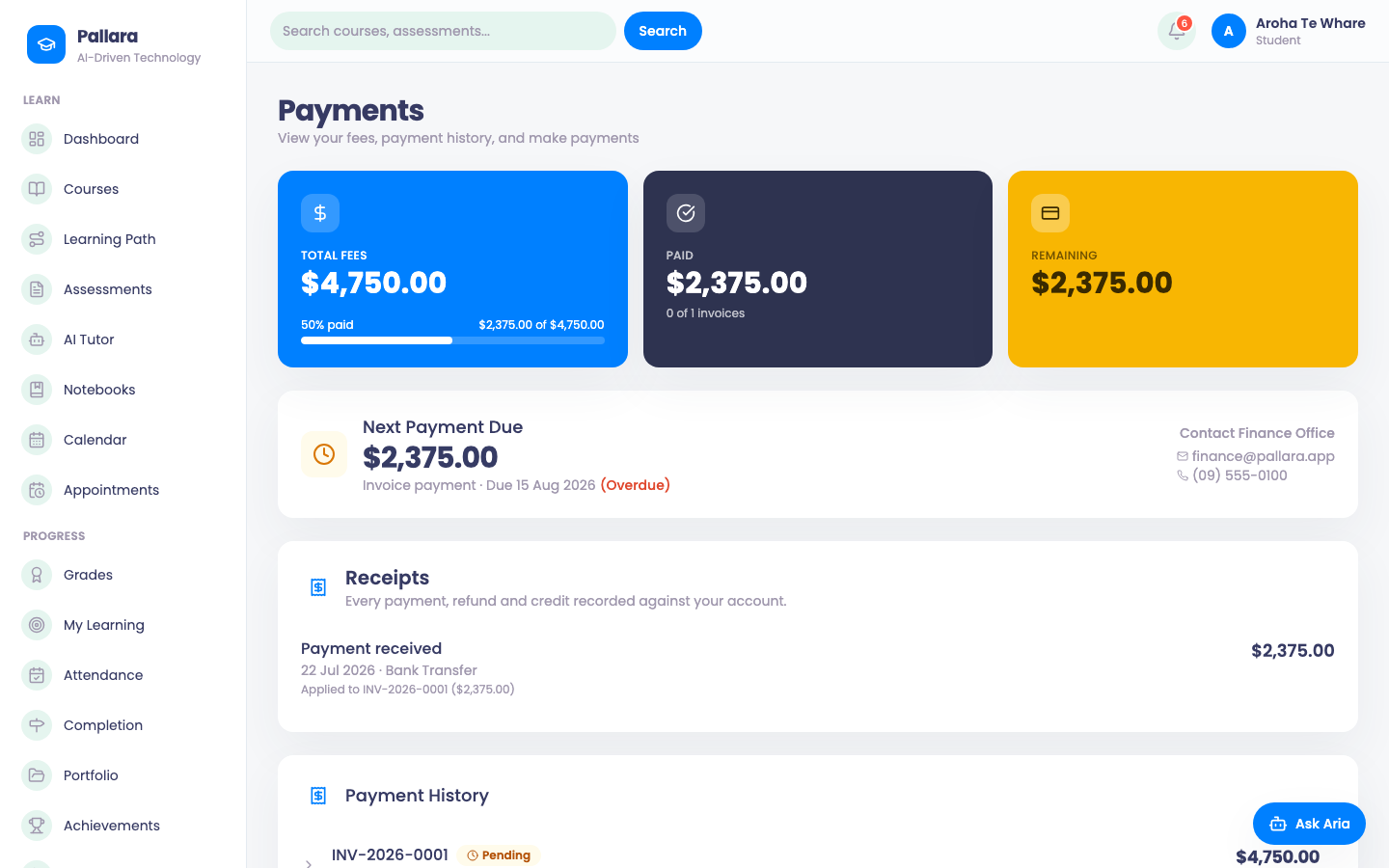
- Select Payments. The cards show total fees, paid, remaining and the next payment due; open invoices and your payment history are listed, with the finance office's contact details if you need to talk to someone.
- Select an open invoice and pay by card. Checkout is hosted by Stripe on your provider's own account; when Stripe confirms, the invoice closes and you see the receipt.
Profile and settings
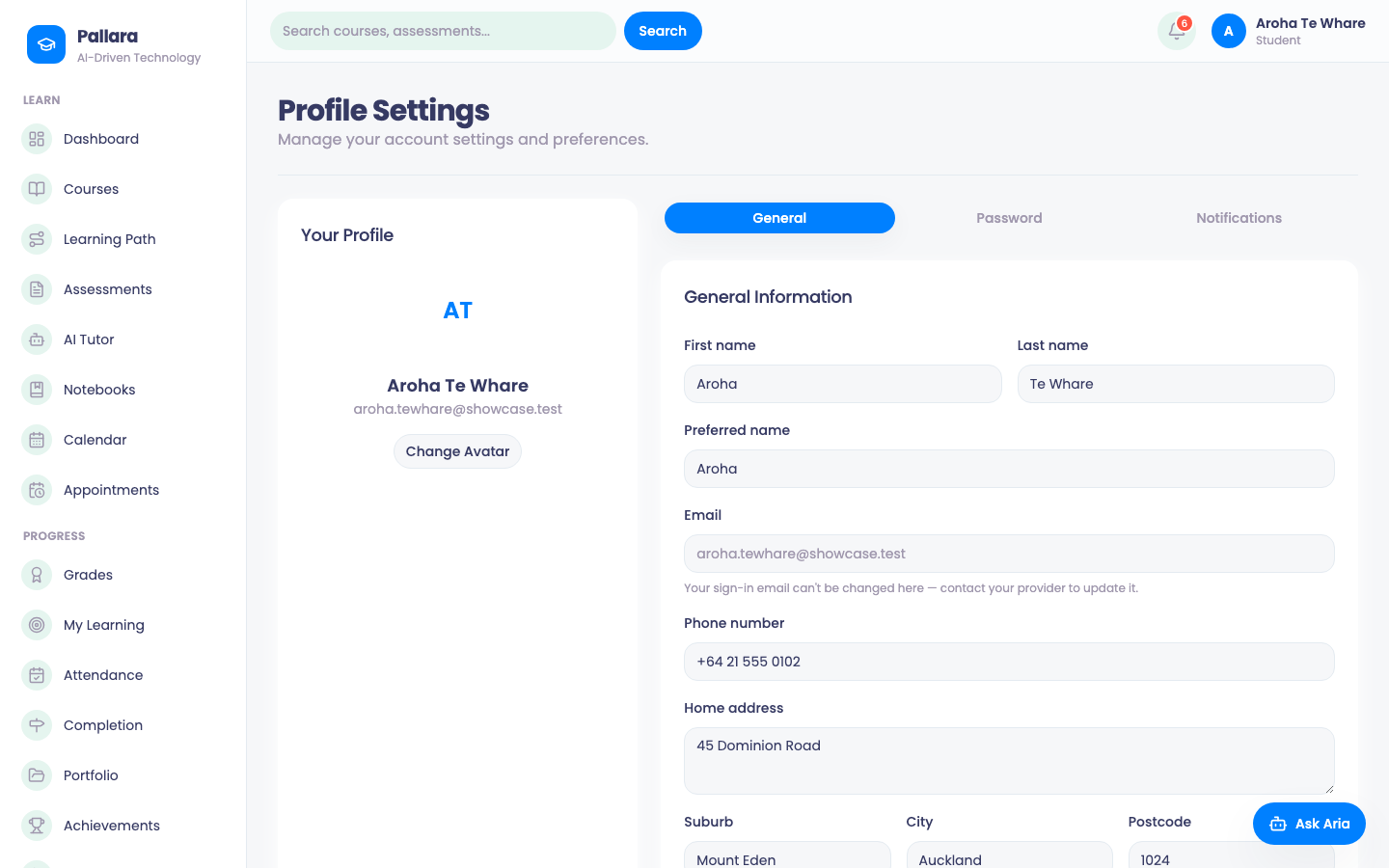
Profile holds your name, preferred name, avatar, password and notification choices — keep your contact details current, your provider relies on them. Your sign-in email cannot be changed here; ask your provider. Settings covers language, timezone, date format, appearance and security. Your provider's staff can see your profile; they cannot see your password.
Was this guide helpful?