Skip to content
Docs/Student portal/Tasks, calendar, portfolio and achievements

Tasks, calendar, portfolio and achievements

The rest of the learner portal: what you have to do, when, and what you have earned.

Student portalWho: LearnersLast updated 3 September 2026
  • Tasks — your own Eisenhower matrix: Do First, Schedule, Delegate, Eliminate. Every assessment due date arrives automatically (marked *auto*); add your own with Add Task.
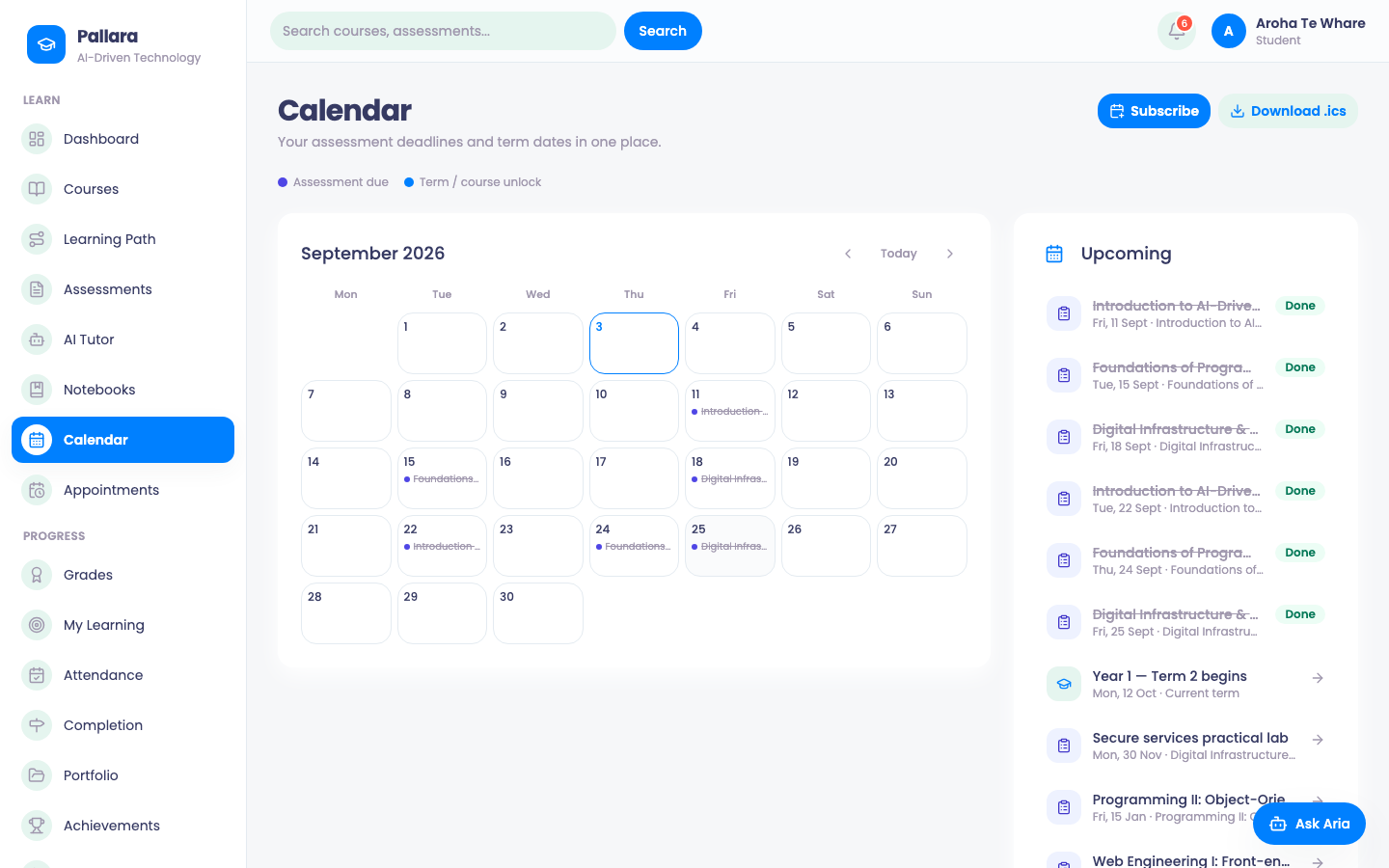
  • Calendar — assessment due dates and term or course-unlock dates in one month view. Subscribe adds it to your phone's calendar app; Download .ics takes a copy.
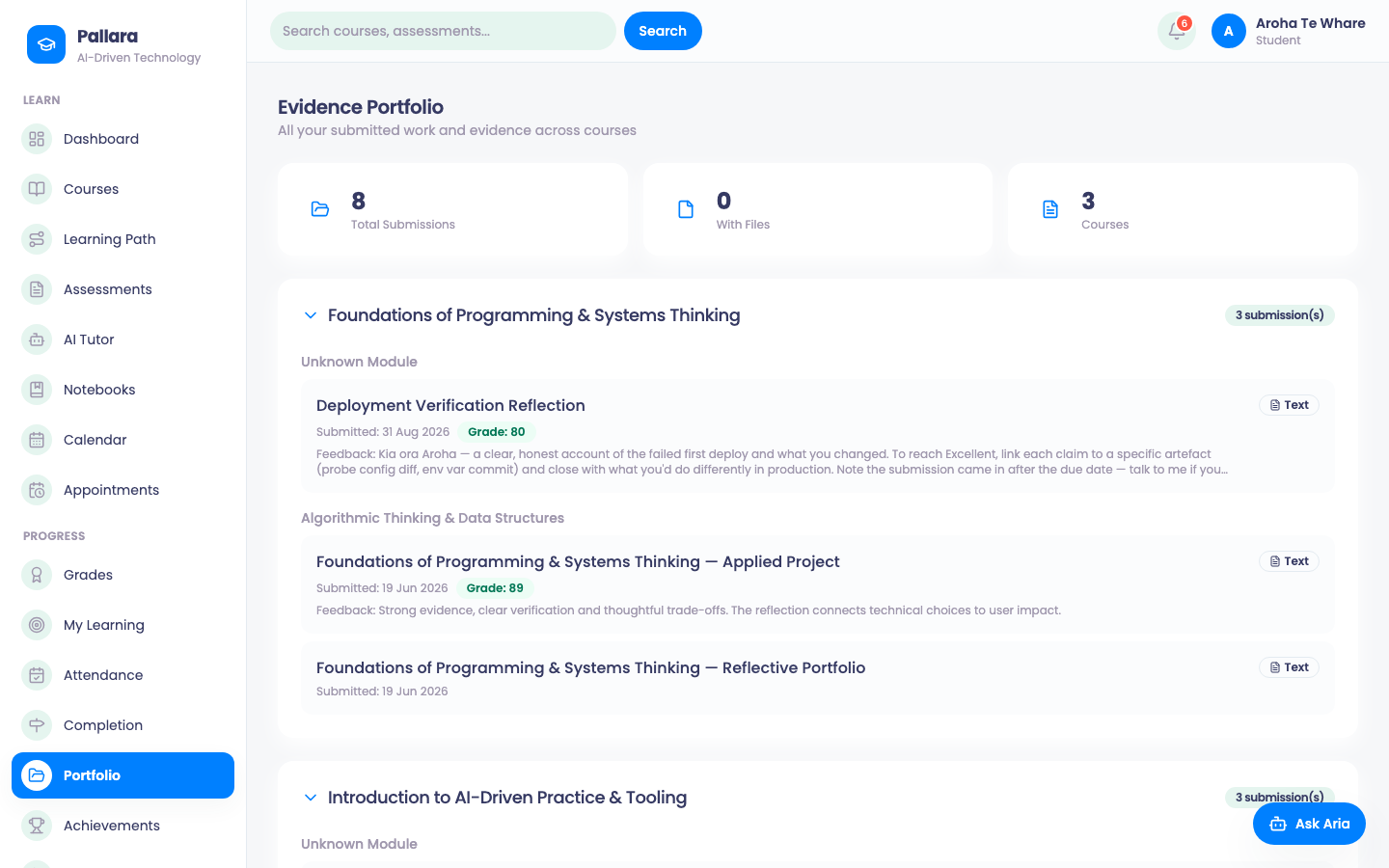
  • Portfolio — the Evidence Portfolio: every submission across your courses, with its grade and feedback, ready to show an employer or assessor.
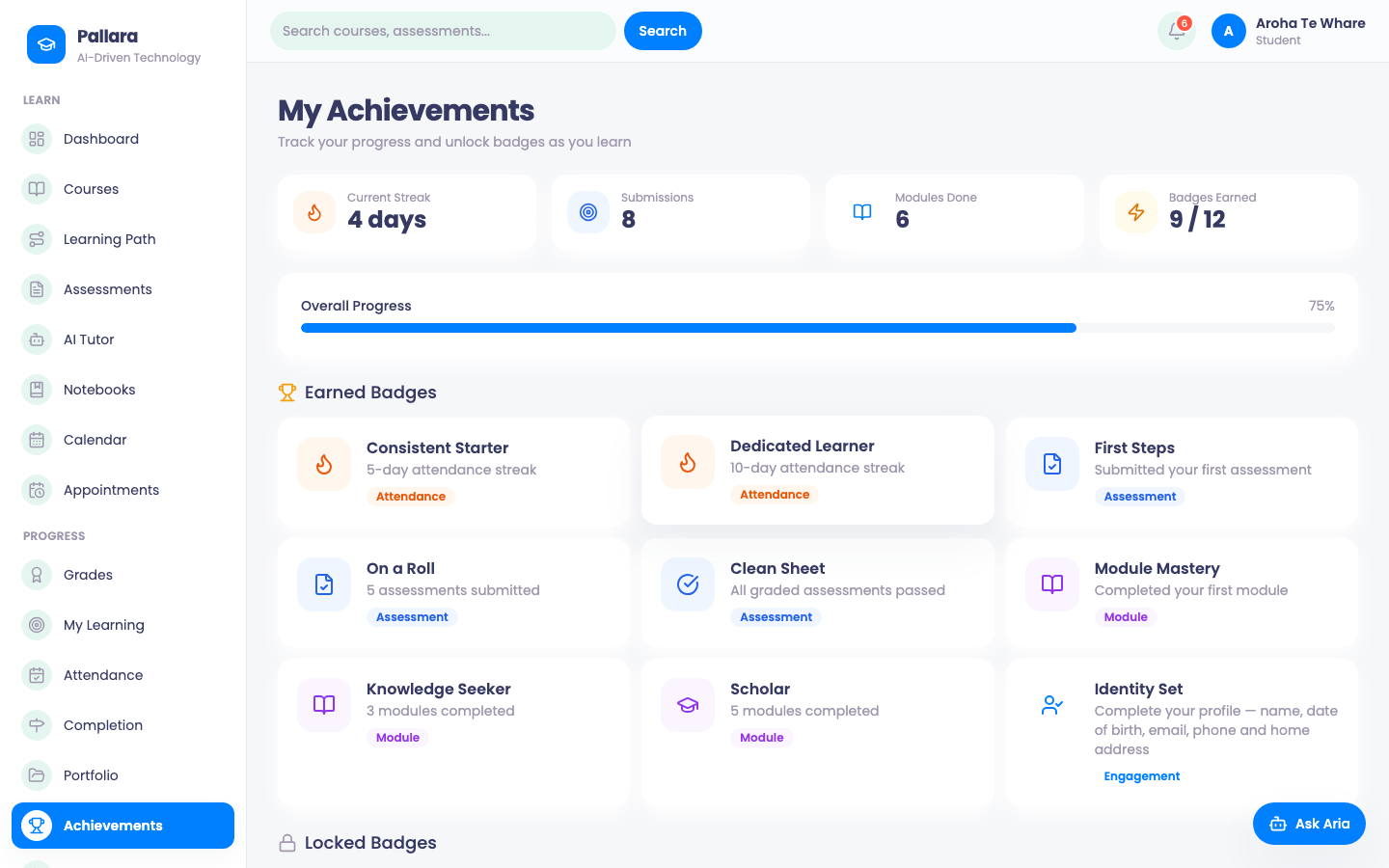
  • Achievements — your streak, submissions, modules done and the badges you have earned, with overall progress.
  • My Activity — your own activity in the portal, from the same log staff see.
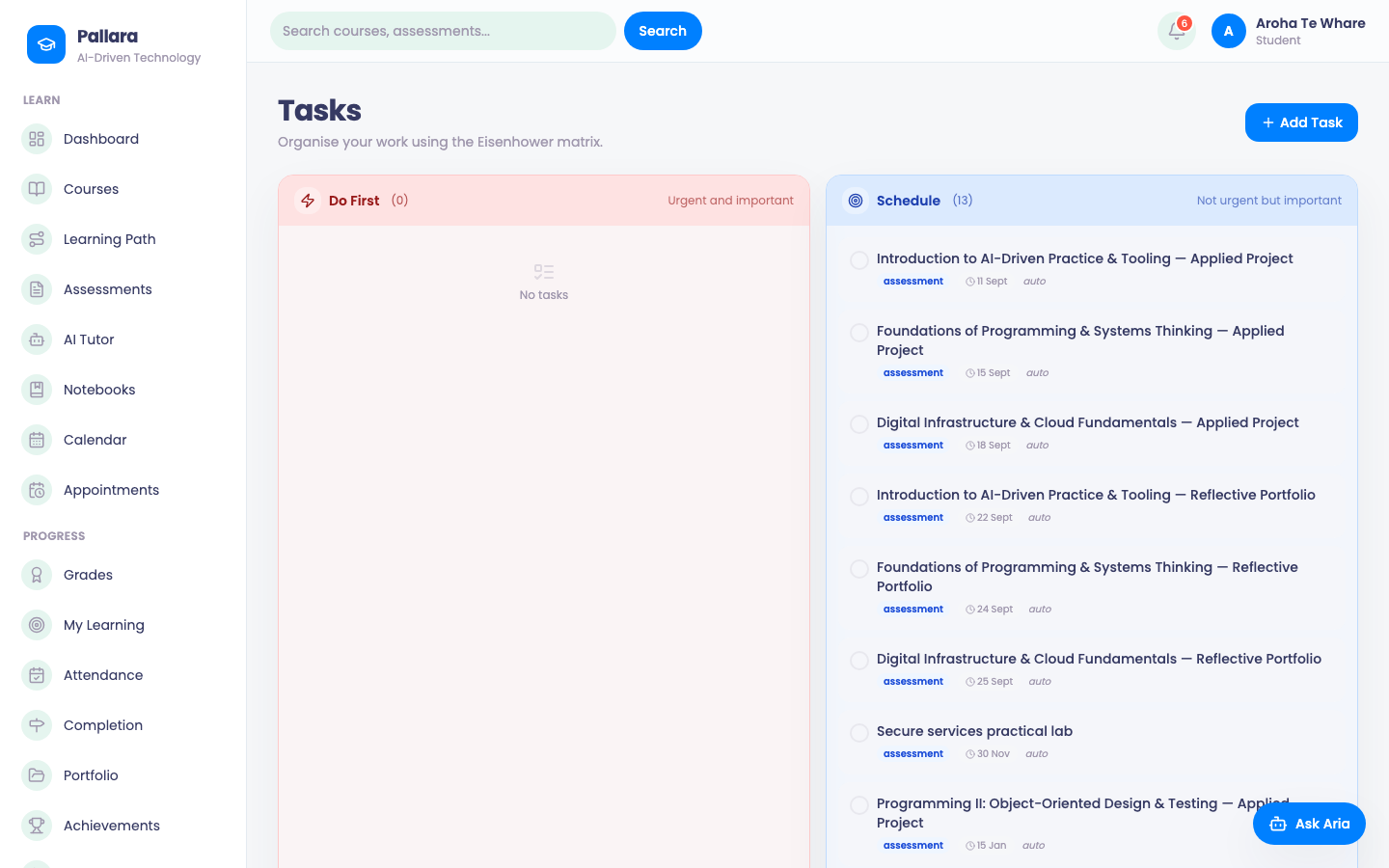
Tasks: the learner's own Eisenhower matrix — Do First, Schedule, Delegate, Eliminate — with assessment due dates arriving automatically.
FIG. 1Tasks: the learner's own Eisenhower matrix — Do First, Schedule, Delegate, Eliminate — with assessment due dates arriving automatically.
Calendar: assessment due dates with term and course-unlock dates in one month view, subscribable to a phone calendar.
FIG. 2Calendar: assessment due dates with term and course-unlock dates in one month view, subscribable to a phone calendar.
Evidence Portfolio: every submission across the learner's courses with its grade and feedback.
FIG. 3Evidence Portfolio: every submission across the learner's courses with its grade and feedback.
Achievements: streak, submissions, modules completed, badges earned and overall progress.
FIG. 4Achievements: streak, submissions, modules completed, badges earned and overall progress.
Was this guide helpful?