Message a learner or colleague through the Inbox
Threaded conversations between staff and learners, with read receipts recorded in the log.
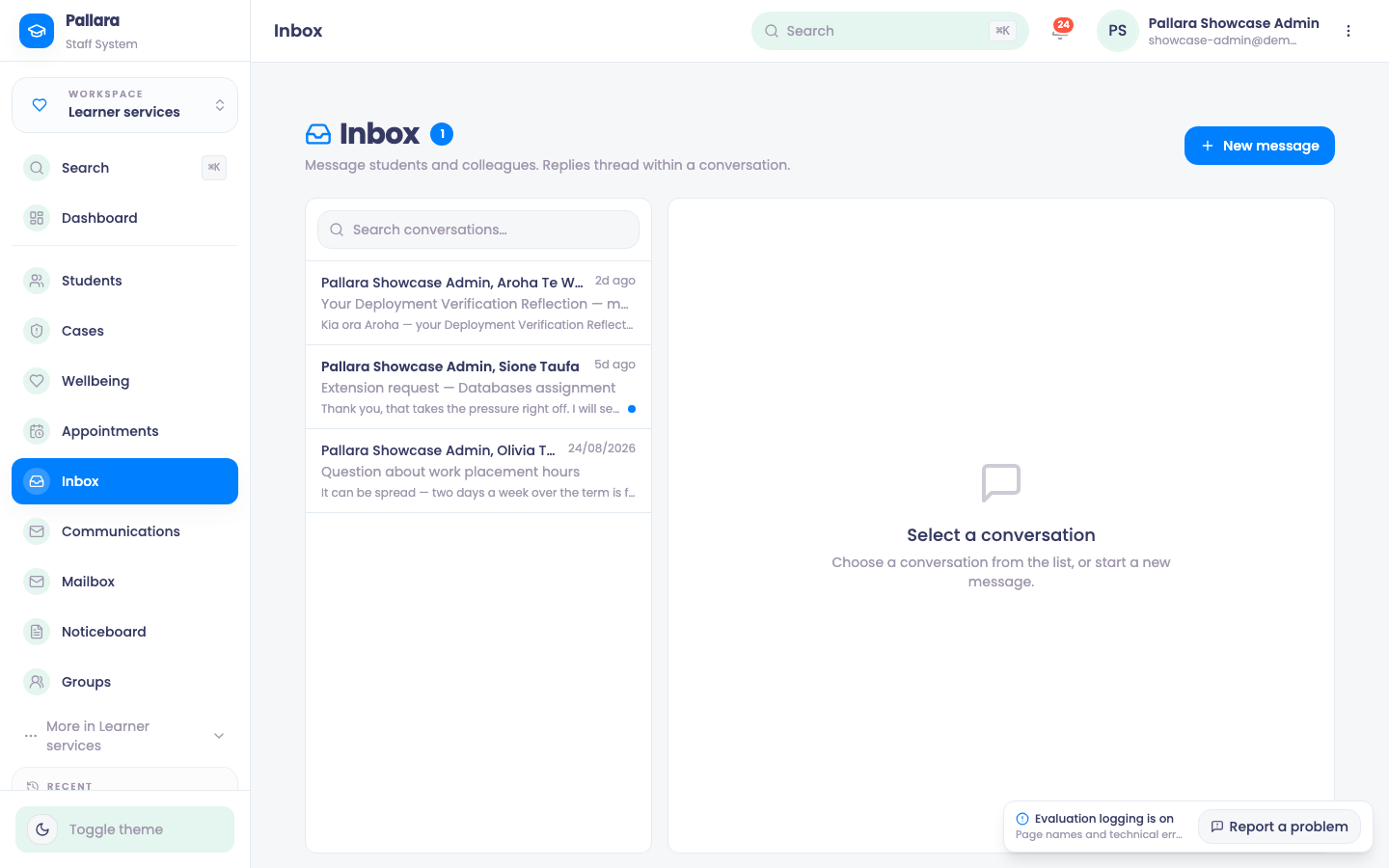
- Open Learner services → Inbox and select New message.
- Choose Students or Staff, search for and select the recipient, then enter a subject and message.
- Select Send. The conversation appears in the list and opens as a thread.
- Reply from the Reply box; the thread and the list preview update.
- When the learner replies from their portal, the thread shows Unread until you open it. Opening a thread marks it read, and the read receipt is written to the activity log.
NoteInbox is for in-portal conversation. Email, SMS and WhatsApp to learners go through Communications, and email replies come back through the Mailbox — see Send communications and The provider mailbox.
Was this guide helpful?