Respond to your offer
Read the offer of place, check any conditions, then accept or decline it.
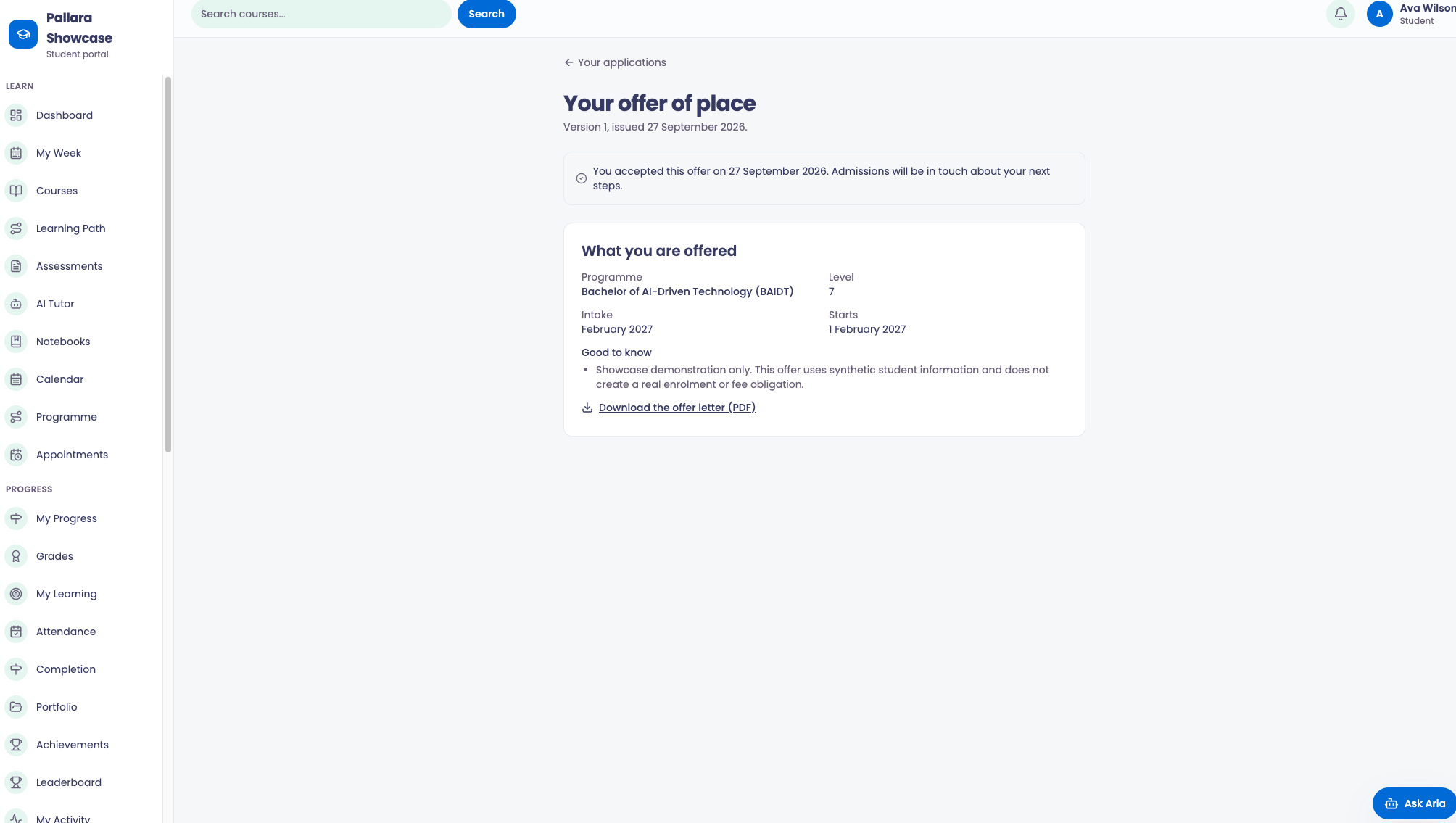
- When admissions makes an offer, your application card shows Review your offer. Select it, or open the application and choose View your offer.
- What you are offered lists the programme, level, intake, start date and tuition fee. A conditional offer also lists its Conditions.
- Under Respond, select Accept offer or Decline. Your answer is recorded and the card updates.
NoteIf admissions reissues an offer, the page says the new version replaces the earlier one, and only the new version can be accepted. An expired offer can no longer be accepted; contact admissions if you still want to study.
Once you accept, your next step is Get ready to start.
Was this guide helpful?