Ask Aria, the AI Tutor
A tutor that knows the course you are in, answers within your provider's AI policy, and saves useful answers to your notebook.
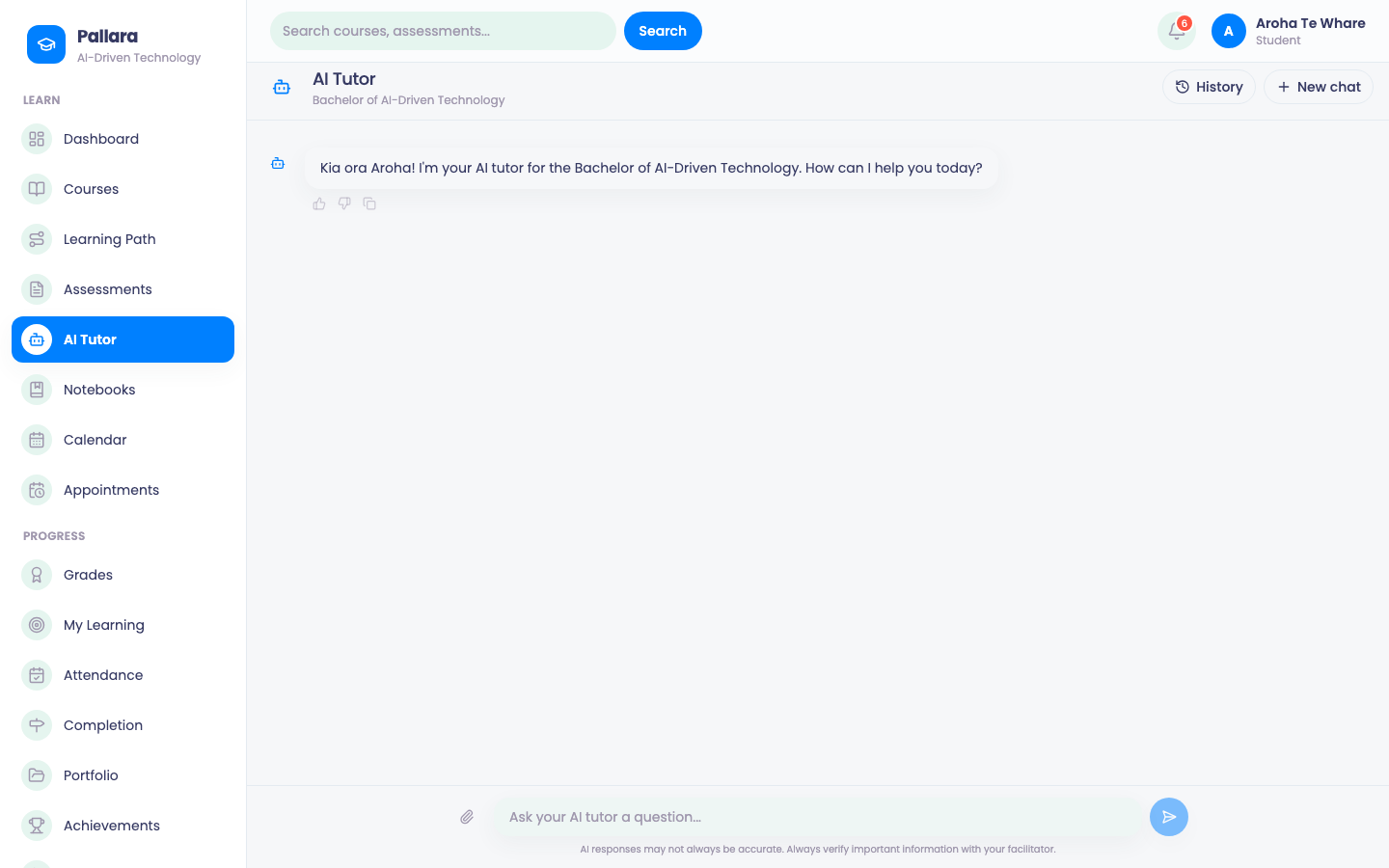
- Select AI Tutor in the navigation, the AI Tutor button beside a lesson so it knows what you are working on, or the Ask Aria button that floats at the bottom right of every page.
- Ask a question. The tutor explains, asks you questions back and points at the lesson material; it follows your provider's AI policy, which may restrict some kinds of help — writing an assessment for you, for instance.
- Rate an answer so your provider can see what is working.
- Select Save on an answer to keep it in one of your notebooks.
NoteYour provider's staff can see aggregate usage and can review flagged conversations under their AI policies. The tutor never marks your work — a person does.
Was this guide helpful?