Online payments through your own Stripe account
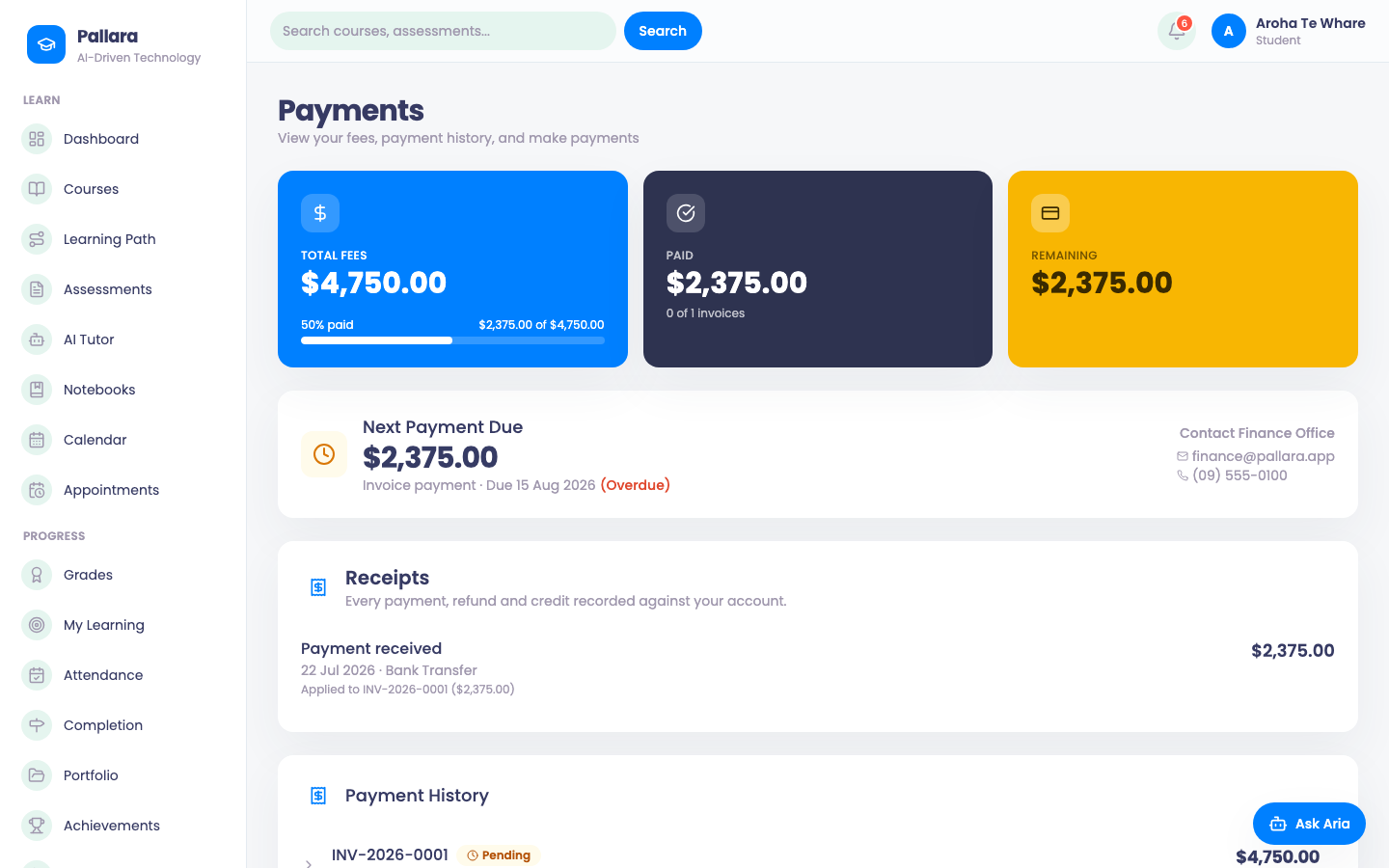
Each provider takes its money on its own Stripe account. Learners pay from their portal; the invoice closes when Stripe confirms.
Flow
A card payment on your own Stripe account
Diagram: A card payment on your own Stripe account. Steps:
- Invoice issued
- Learner opens Payments and pays
- Stripe Checkout (your account)
- Webhook to /api/payments/webhook
- Signature verified against your secret
- Payment recorded, invoice closed
- Learner sees receipt
Connections:
- Invoice issued → Learner opens Payments and pays
- Learner opens Payments and pays → Stripe Checkout (your account)
- Stripe Checkout (your account) → Webhook to /api/payments/webhook
- Webhook to /api/payments/webhook → Signature verified against your secret
- Signature verified against your secret → Payment recorded, invoice closed
- Signature verified against your secret → Learner sees receipt
Staff actionLearner actionPallara does this
- An administrator enters the provider's Stripe keys and webhook secret under Administration → Integrations → Stripe. Keys are stored per provider, encrypted; there is no shared Pallara account in the path.
- In Stripe, point the webhook at
https://<your staff host>/api/payments/webhookwith that secret. - A learner opens Payments in their portal, sees the open invoice and pays by card. Stripe hosts the checkout.
- Stripe calls the webhook; Pallara verifies the signature against your provider's secret, records the payment and closes the invoice. The learner sees the receipt; staff see the payment on the invoice and in Payment Tracking.
NoteTest-mode keys behave exactly like live keys except that no money moves, which is how a provider rehearses the flow before going live.
Was this guide helpful?