Appointments and availability
Publish availability so learners can book, and manage bookings from the staff side.
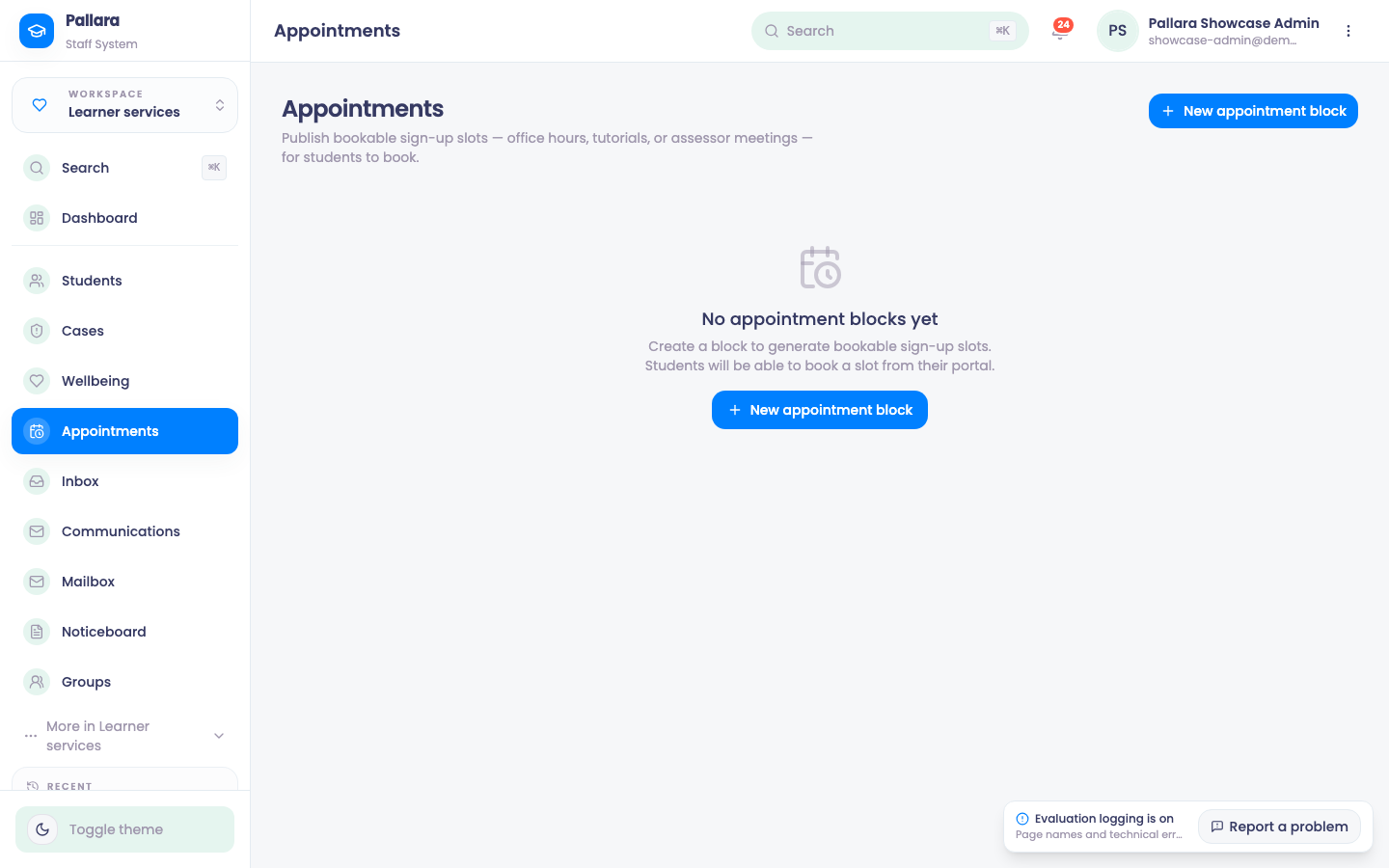
- Open Learner services → Appointments and select New appointment block.
- Describe the block — office hours, tutorials, assessor meetings — with its dates, times and slot length. Pallara generates the bookable slots.
- Learners book a slot from their portal. Bookings appear here and on your Calendar; a learner can book or cancel only their own future appointment.
Was this guide helpful?