Set AI approval policies
Which tools need a person to approve them, how risky they are, and how many approvers they need.
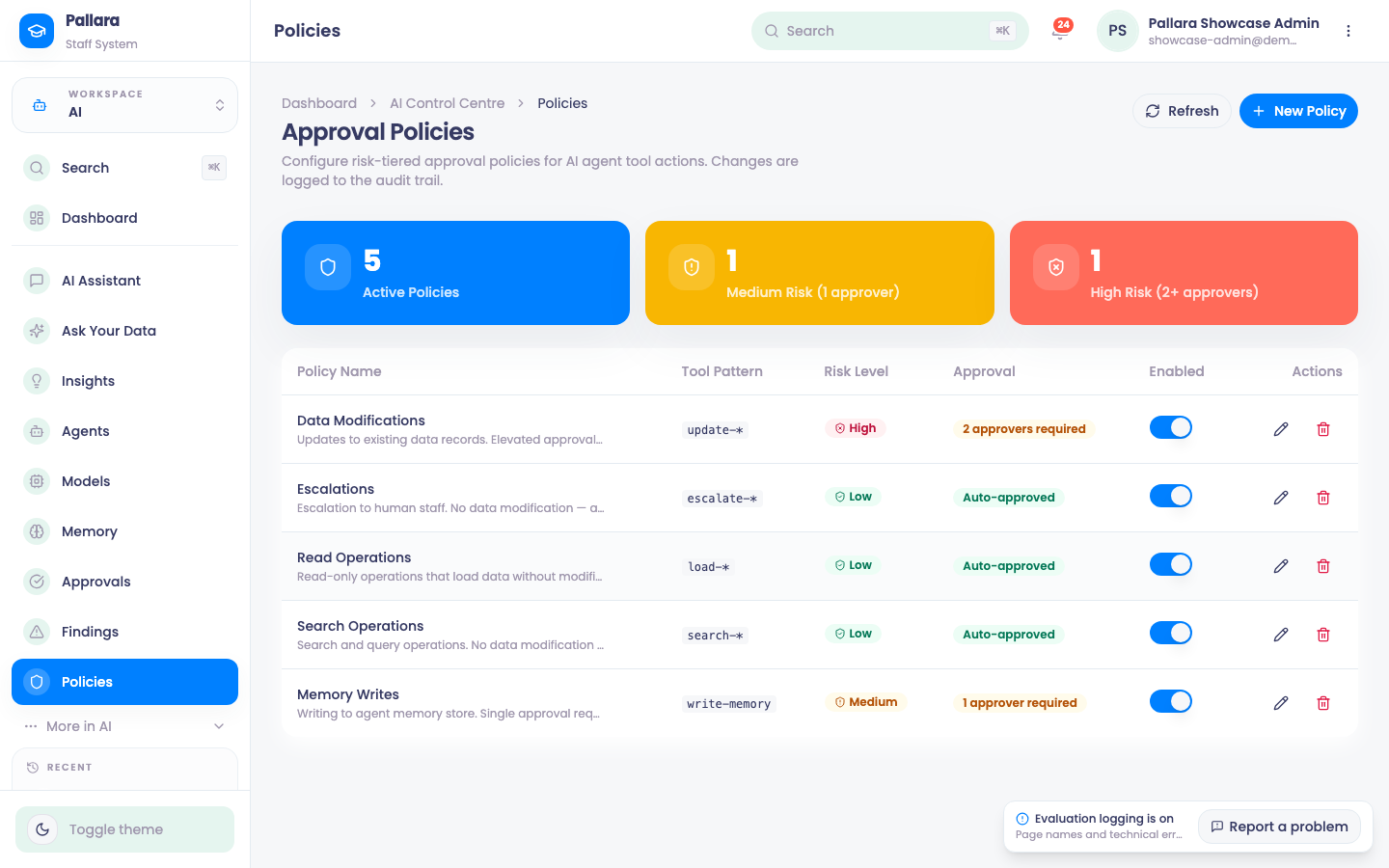
- Open AI → Policies and select New Policy.
- Enter a Policy Name and a Tool Pattern.
*is a wildcard —write-*matches every tool whose name starts withwrite-. - Choose the risk level, whether approval is required, and the number of approvers. Add a description, leave Enabled on, and Create Policy.
- The row's switch disables a policy temporarily; the active-policy count follows. Edit amends it; Delete removes it after a confirmation that names the pattern.
Was this guide helpful?