Stakeholder profiles, contacts and notes
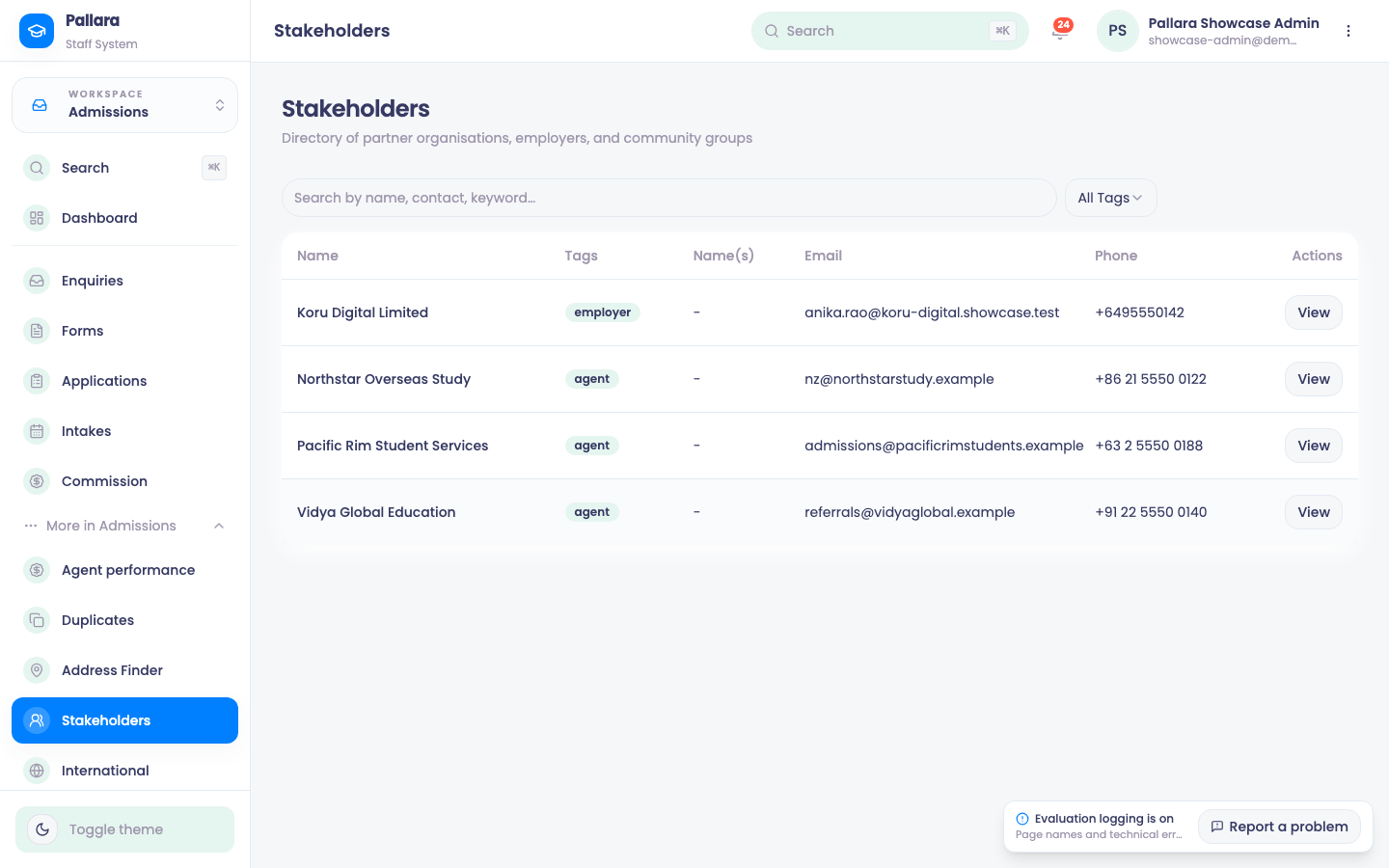
Agencies, employers, schools and community organisations — one profile each, with contacts and a note history.
- Open Admissions → More → Stakeholders, search or filter, and select View.
- Select Edit to update name, tags, description, email, phone and address, then Save.
- Under Contacts, Add New Contact with name, role, email and phone. Edit and Delete as needed.
- Under Notes, write the note, choose a contact in About if it concerns one person, and Add Note. Notes show their author and either the contact or General. Deleting a contact turns its notes to General without changing their text.
PreviousGive an education agent a portalNextWork-based training: employers, the employer portal and learner registration
Was this guide helpful?