Give an education agent a portal
A token-authenticated portal where an agent submits attributed enquiries, sees privacy-banded progress, downloads approved collateral and completes training.
Flow
What an agent can do, and what they can never see
Diagram: What an agent can do, and what they can never see. Steps:
- Portal link (token) issued
- Submits an enquiry
- Downloads listed collateral
- Completes training modules
- Enquiry attributed → pipeline
- Sees privacy-banded progress only
- Completion recorded once
- Deactivate → revoked on next request
Connections:
- Portal link (token) issued → Submits an enquiry
- Portal link (token) issued → Downloads listed collateral
- Portal link (token) issued → Completes training modules
- Submits an enquiry → Enquiry attributed → pipeline
- Downloads listed collateral → Sees privacy-banded progress only
- Completes training modules → Completion recorded once
- Sees privacy-banded progress only → Deactivate → revoked on next request
Staff actionLearner actionPallara does thisStop / refused
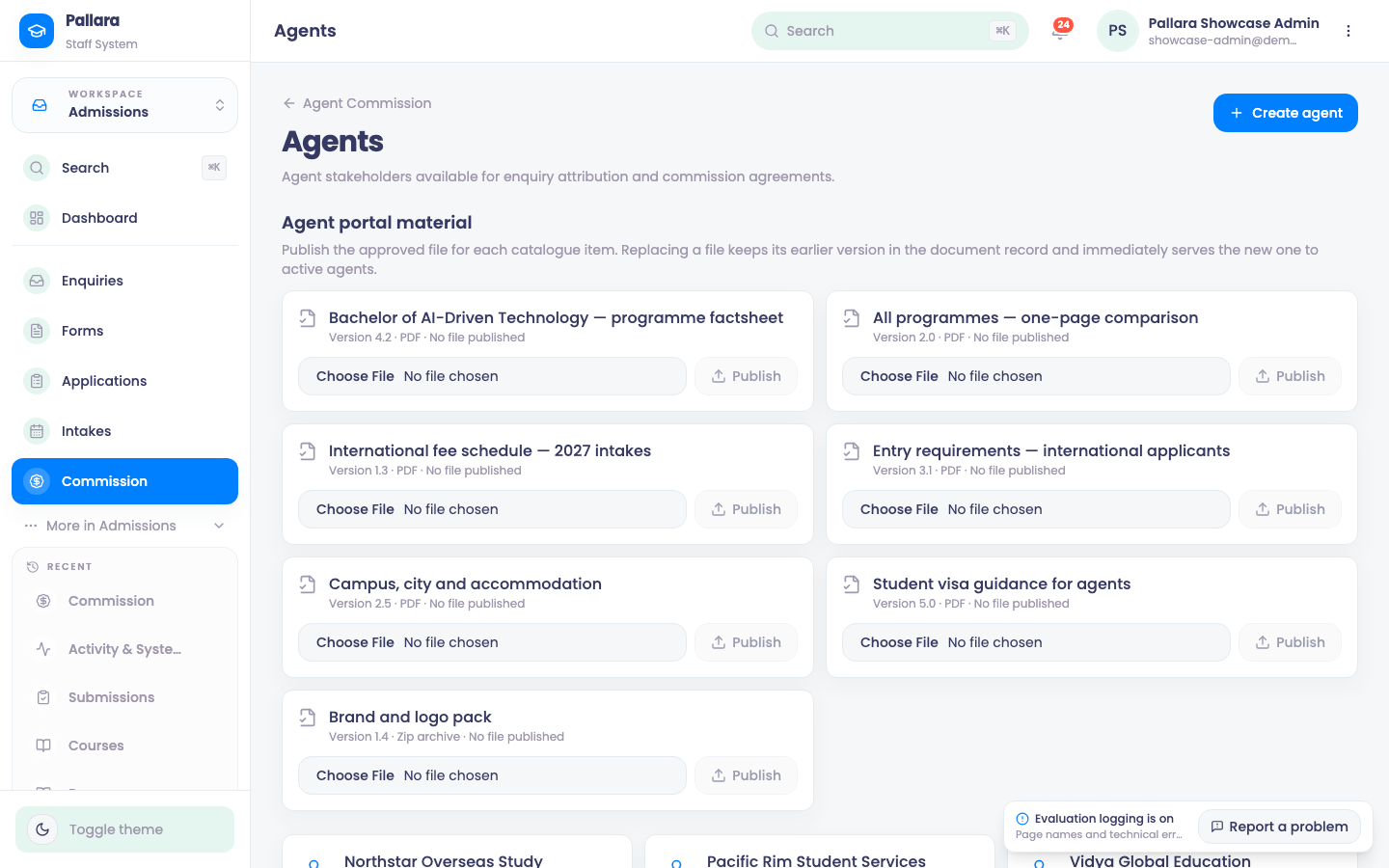
- Open Admissions → Commission → Agents and create or copy the agent's Portal link. Treat it as a credential: it is token-authenticated and should be shared only with that agent.
- In the portal the agent can submit an enquiry, which arrives in your enquiry pipeline already attributed to them.
- The agent sees privacy-banded progress on their referrals — the stage, not the learner's record.
- The collateral library offers only the files you have listed for agents. The download route rejects any other file key and re-checks that the agent is still active on every request.
- The portal contains seven training modules. Completing one writes a durable completion record; repeating it does not create duplicates.
- Back on Commission → Agents, review each agent's completion count and last activity.
- Deactivate the agent as a stakeholder to revoke the portal. Revocation is checked on every request and does not wait for a token to expire.
NoteWhat the portal shows is decided in one place and projected field by field, so a field added to the learner record later cannot leak to an agent.
Was this guide helpful?