Homestay providers and placements
Providers with capacity, placements with dates and rates, and the guardrails that stop a double booking.
Homestay is an optional module; enable Homestay / Boarding under Modules first.
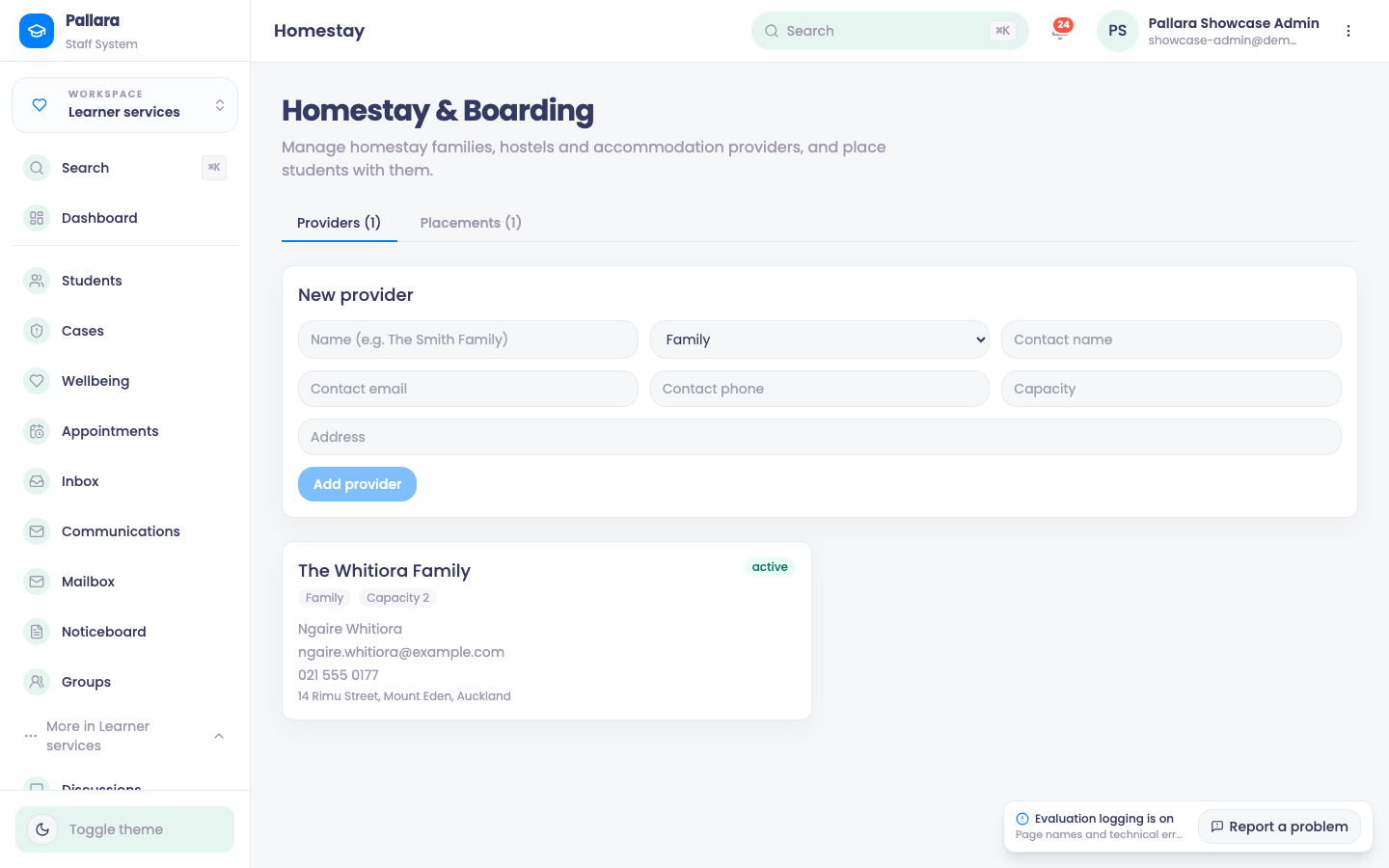
- Open Learner services → More → Homestay. Complete the provider's name, type, contact, capacity and address, then Add provider.
- Under Placements, enter the learner's student ID, select the provider, enter the weekly rate and the start and end dates, then Add placement.
A placement is refused — with the form left intact so you can correct it — when the learner does not exist (Student not found), the provider is full for those dates (Provider is at capacity for the selected dates), the learner already has an active placement that overlaps (Student already has an overlapping active homestay placement, inclusive of the boundary day), or the end date is before the start.
Was this guide helpful?