Noticeboard
Notices for the whole provider, shown on the staff dashboard and in the learner portal.
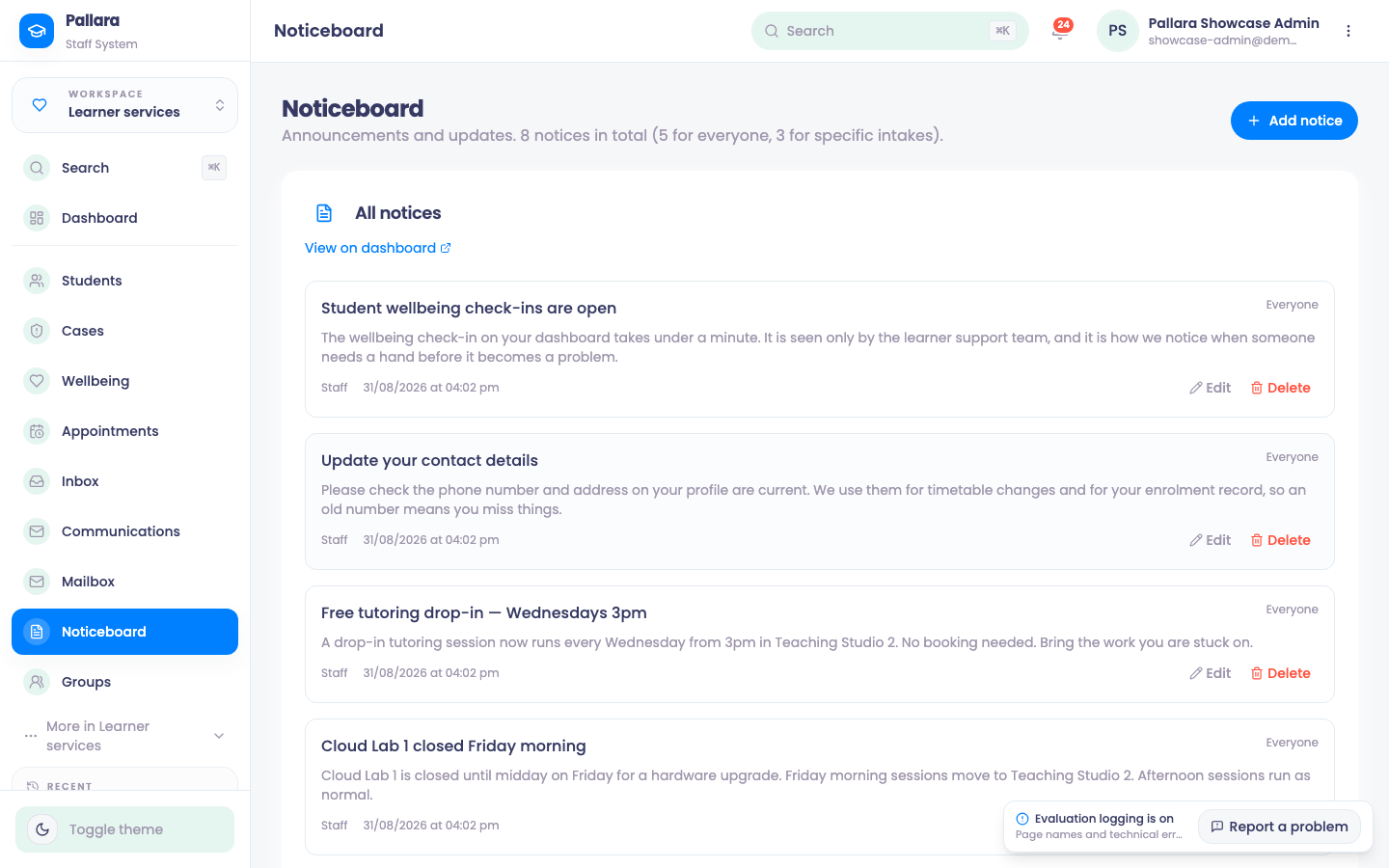
- Open Learner services → Noticeboard and create a notice: title, body, audience and the dates it should show.
- Publish it. It appears on the staff dashboard under Noticeboard and in the learner portal for the audience you chose.
Was this guide helpful?