Email templates
Reusable subject lines and bodies with merge fields for the messages you send every week.
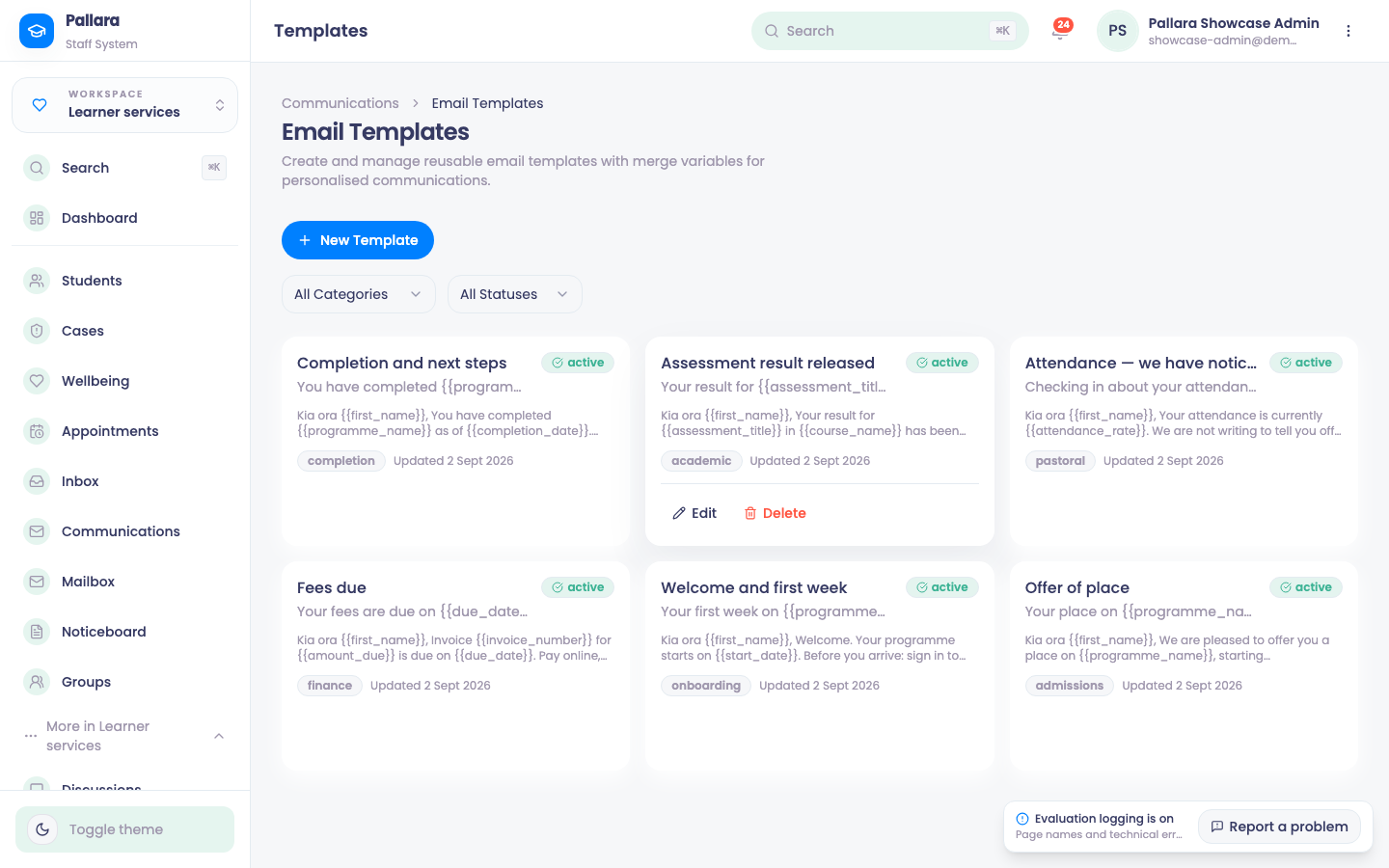
- Open Learner services → More → Email Templates and select New Template. Name it, choose a category (academic, completion, attendance…), and write the subject and body.
- Use merge variables —
{{first_name}},{{programme_name}},{{assessment_title}},{{course_name}},{{completion_date}}— where the message should be personalised. They are filled in per recipient when the message is sent. - Save it as active. It is offered in Communications when you compose, and in workflows that send email.
PreviousSend email, SMS and WhatsApp to learnersNextThe provider mailbox: replies that find their record
Was this guide helpful?