Award rules and manual awards
Define award rules per programme, preview who qualifies without writing anything, and make manual awards.
Awards is an optional module. If the page says the feature is disabled, an administrator enables Awards Engine under Modules.
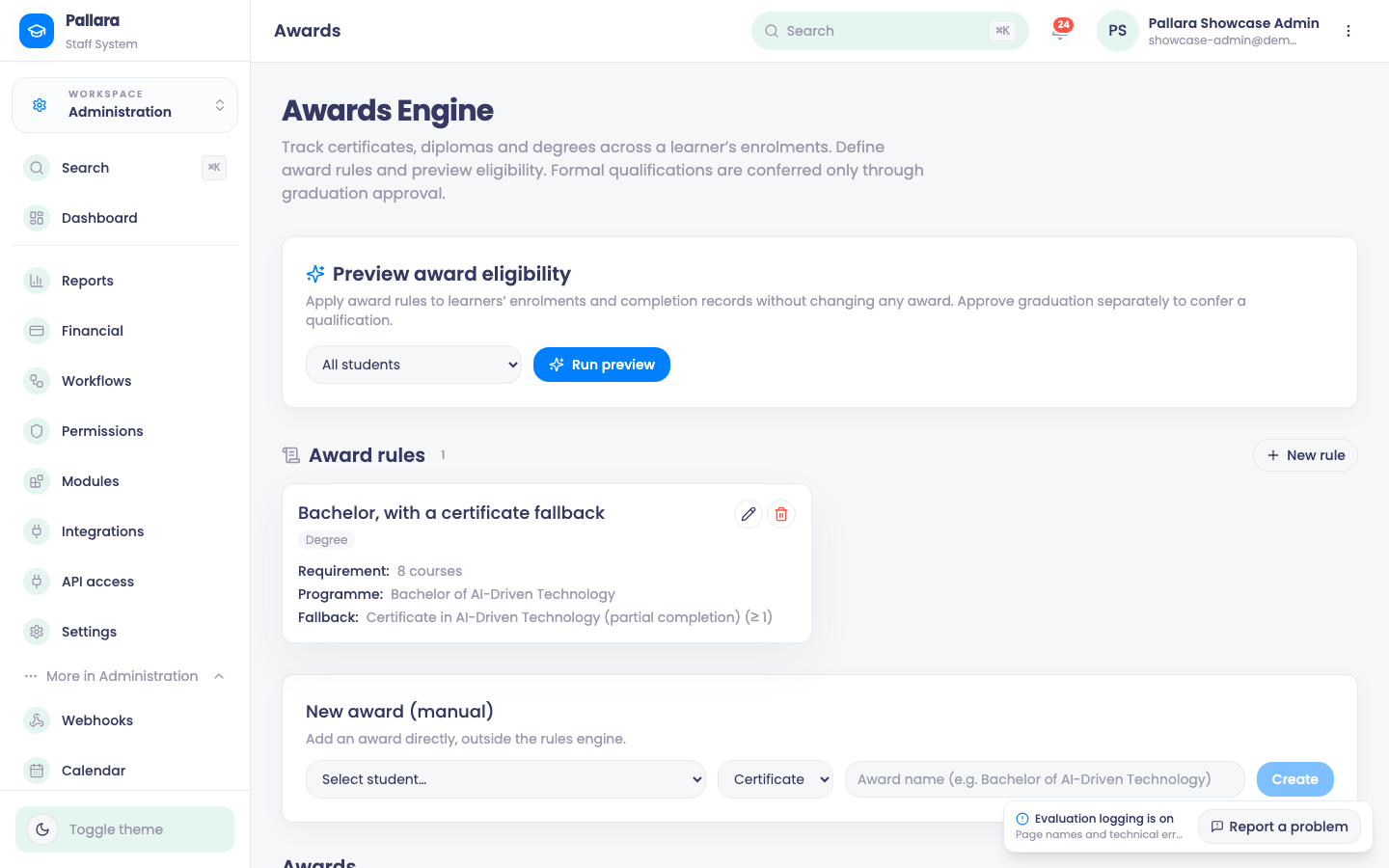
- Open Administration → More → Awards and select New rule. Enter a rule name, the award type, target programme and requirement. Optional fallback fields define the lower award available on partial completion.
- Keep Rule enabled ticked unless you are staging the rule, then Create rule.
- Select Run preview to calculate eligibility without writing any award: qualifying, fallback, in-progress and learner counts, and a confirmation that nothing changed.
- Use the pencil to rename a rule or disable it; the bin removes it after confirmation.
- A manual award is created, awarded and, if necessary, deleted from the same page through its own confirmation dialog.
Was this guide helpful?