Moderate a marked submission
Approve, flag or return marked work, with a note on every decision.
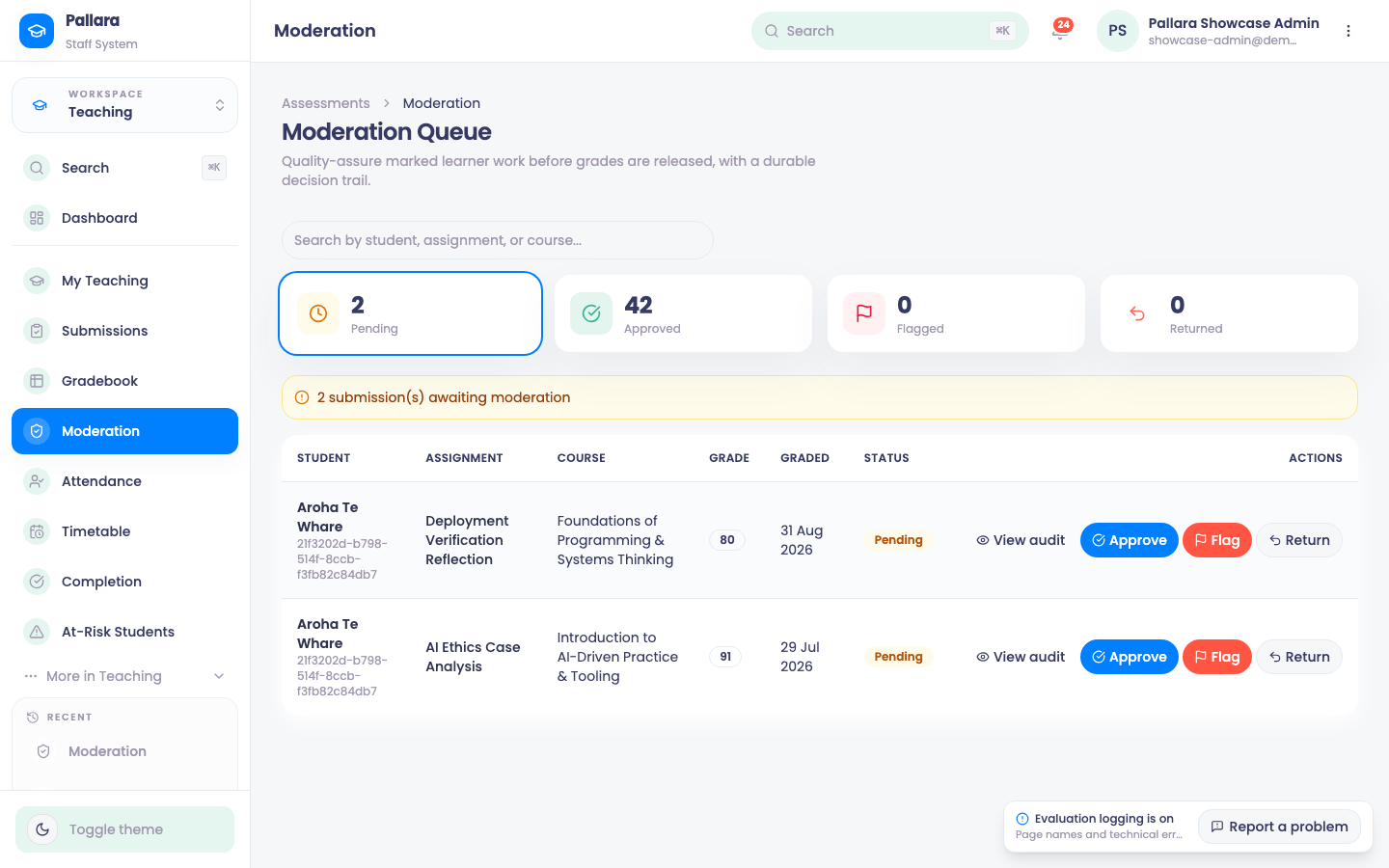
- Open Teaching → Moderation.
- Locate the submission by learner, assessment and course.
- Select Approve and enter a moderation note to confirm the mark.
- Select Flag and enter a note to mark it for follow-up.
- Select Return to Marker and enter the reason to send it back. The Returned filter shows the return note, date and moderator; the submission keeps its pending state until it is approved again.
- Reload once before relying on the final state. The Approved filter shows the note, moderator and date.
Was this guide helpful?