Create and align learning outcomes
Outcomes, unit standards and their alignment to assessments, modules, rubrics and questions.
Flow
How mastery is calculated
Diagram: How mastery is calculated. Steps:
- Outcome (or unit standard)
- Aligned to assessment, module, rubric or question
- Results come in
- Recompute
- Not Yet · Working Towards · Achieved · Exceeded
Connections:
- Outcome (or unit standard) → Aligned to assessment, module, rubric or question
- Aligned to assessment, module, rubric or question → Results come in
- Results come in → Recompute
- Recompute → Not Yet · Working Towards · Achieved · Exceeded
Staff actionLearner actionPallara does this
Create or edit an outcome
- Open Course design → Learning Mastery, then the Outcomes tab, then New Outcome.
- Choose the outcome type and enter its code, status, title and description. For an NZQA unit standard, enter the US code, NZQF level, credits and each element or performance criterion.
- Select Create outcome. Use the pencil on the row to edit it later.
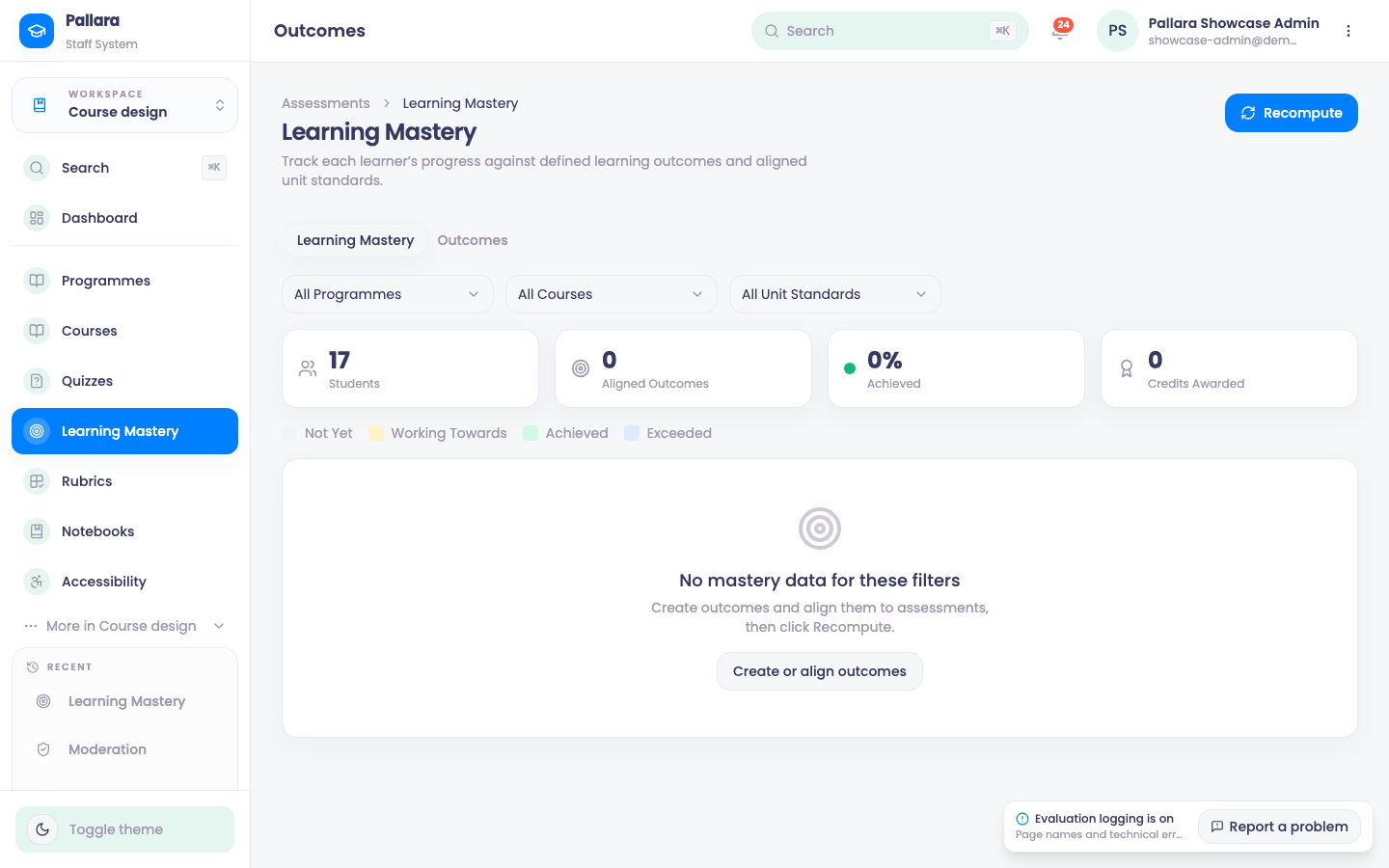
Align it
- Select the link action on the outcome.
- Choose whether to align to an Assessment, Module, Rubric or Question, search for the target and select Add alignment. Duplicate alignments are blocked.
- Existing alignments appear under Current alignments; the bin beside a row removes it.
Mastery is recalculated from aligned assessment results — see Mastery, completion and graduation.
Was this guide helpful?