Notebook templates and pushed entries
Create notebook templates for learners, publish them, and push an entry to every learner in a course.
Learners keep notebooks in their portal — free-form notes, and entries saved from the AI Tutor. Staff shape that with templates.
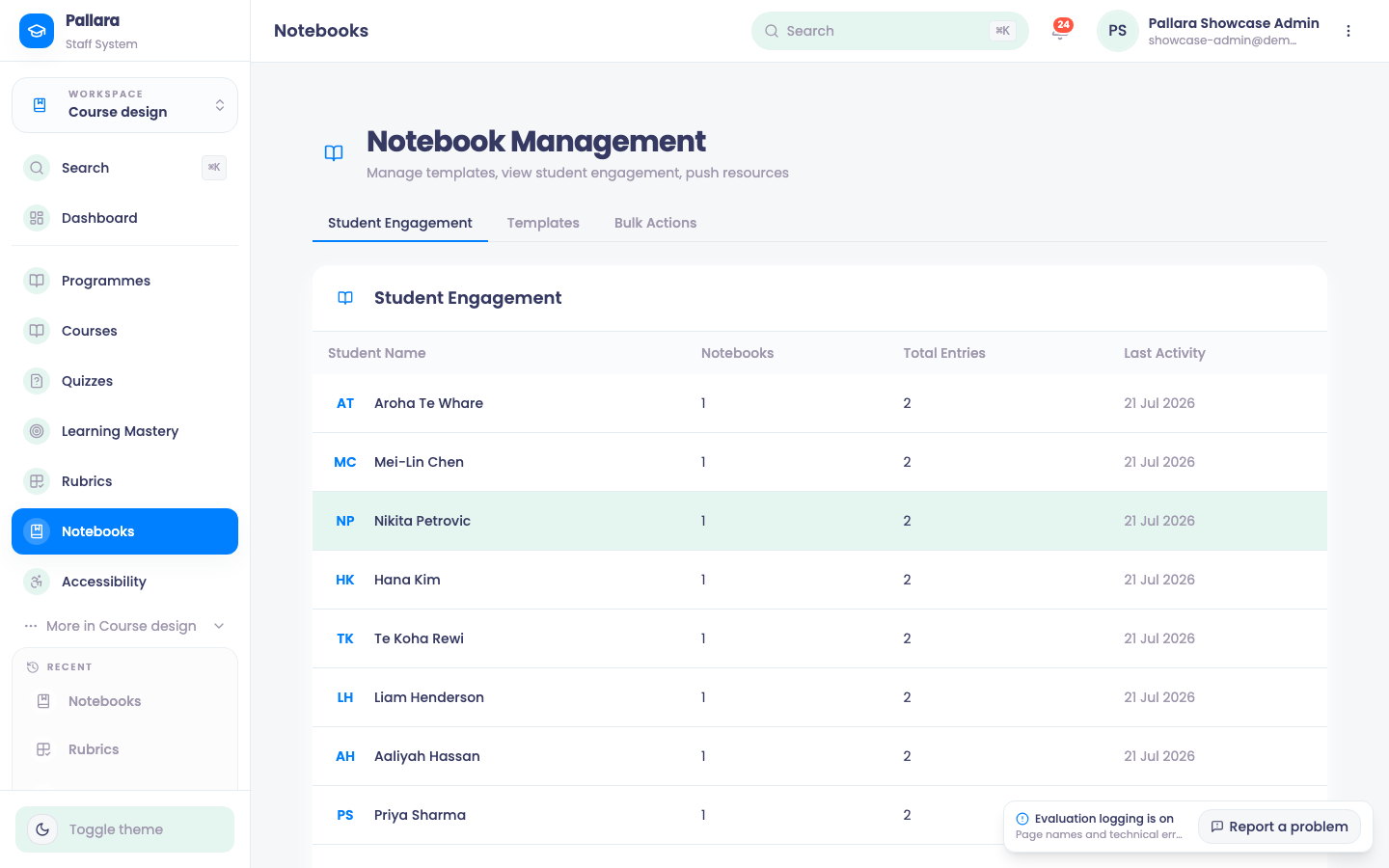
- Open Course design → Notebooks and create a template: name it, add the sections you want learners to fill in, and save.
- Publish the template when it is ready. Archived templates are hidden from learners but keep their entries.
- Use Bulk Actions to push a staff entry to every learner in a course — a prompt, a reflection task, a reading. The learner's notebook and entry totals update immediately.
NotePushed entries have no delete control in the bulk-push interface today, so push deliberately.
Was this guide helpful?