Build the programme structure
Terms, majors, core courses and electives — the Programme Builder is where a programme's shape is defined.
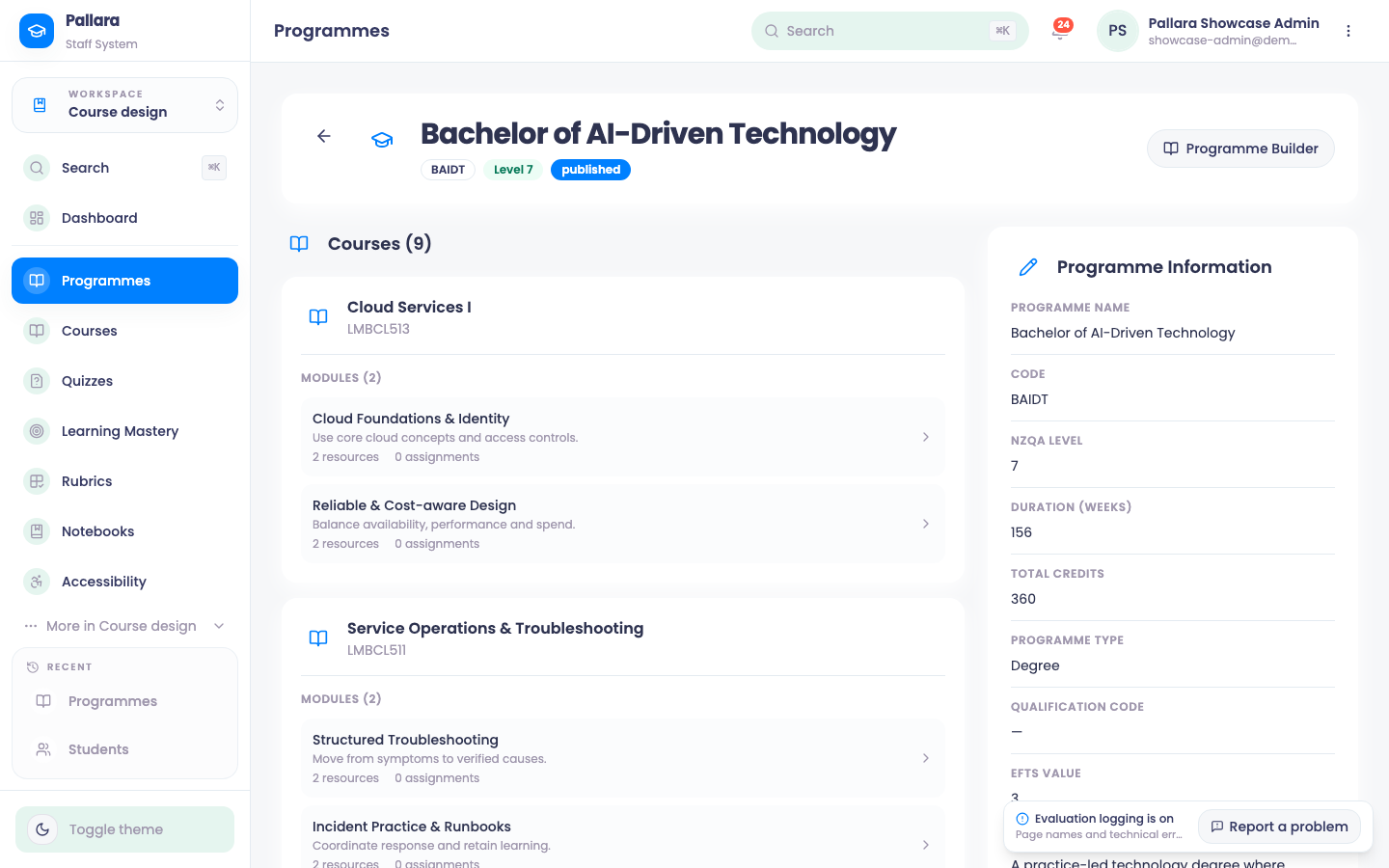
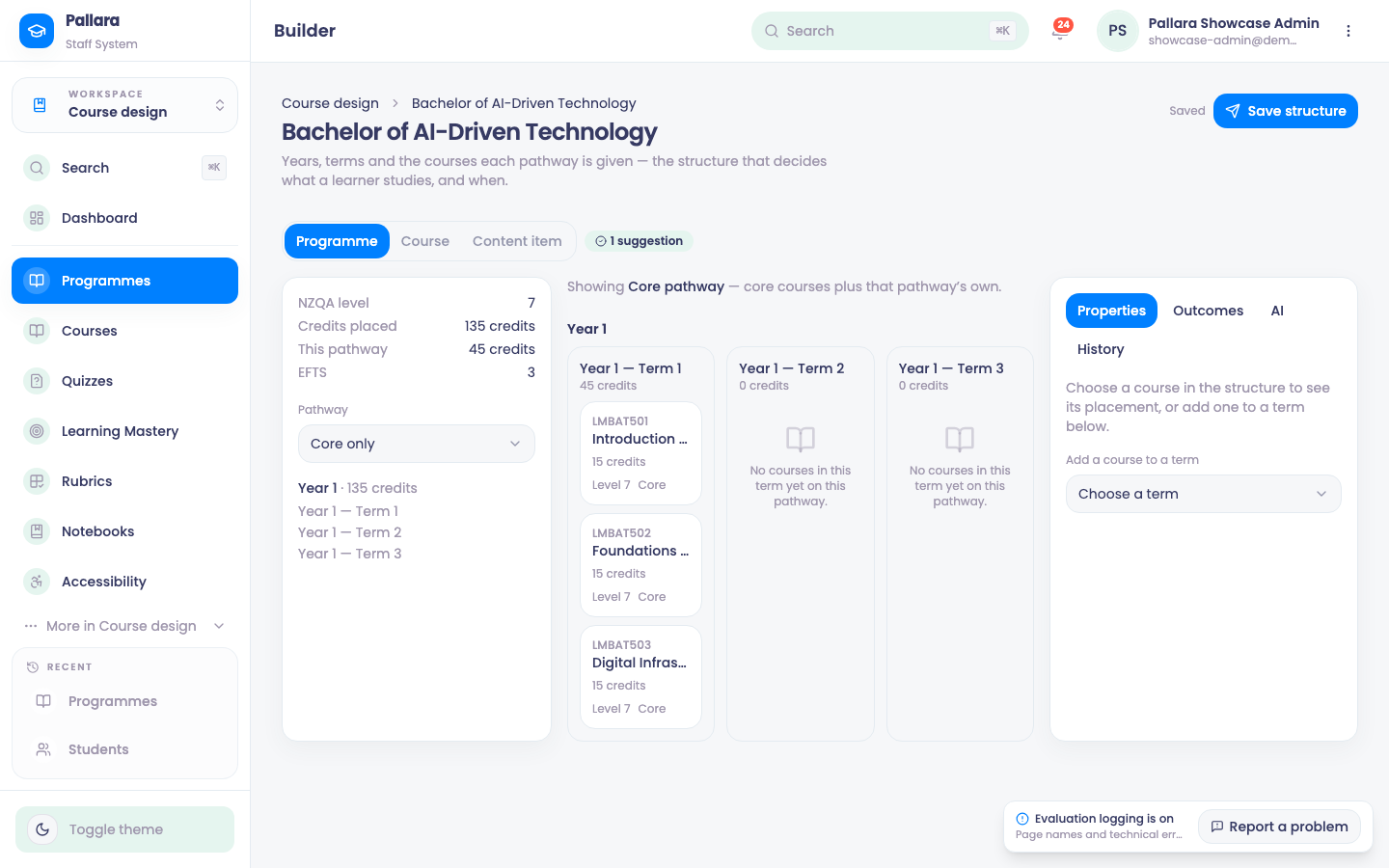
From a programme's detail page, select Programme Builder. It lays out years, terms and the courses each pathway is given — the structure that decides what a learner studies, and when. Everything you do is staged until you select Save structure; the header reads Saved once it is.
Read the summary strip
NZQA level, Credits placed across the whole structure, This pathway (the credits on the pathway you are viewing), EFTS, and the Pathway selector — Core only shows the courses every learner takes; choosing a major shows core plus that major's own courses.
Place courses
- Under Add a course to a term, choose the term, then the course. It appears in that term's card with its code, credits, level and Core (or the major's name). The course must already exist — see Create a course.
- Select a course in the structure to see its placement in the Properties panel: which years and terms, whether it is required or elective on this pathway, and its outcomes under Outcomes.
- Select Save structure and wait for Saved. Reload to confirm the placement.
Majors as pathways
A major is a pathway: switch the Pathway selector to it, and the terms show the core courses plus the courses that belong to that major. Place a major's own courses while viewing its pathway; mark a course elective from its Properties. AI suggests placements and flags gaps; History lists every saved change to the structure.
Suggestions
The Builder counts its suggestions in the header — a term with no courses, a pathway short of credits, a course placed before its prerequisite. They are advice; saving is never blocked.