My Dashboard widgets and sticky tasks
A private, customisable dashboard for the signed-in staff member.
Available when an administrator has enabled Customisable Dashboard under Modules. It is private to you.
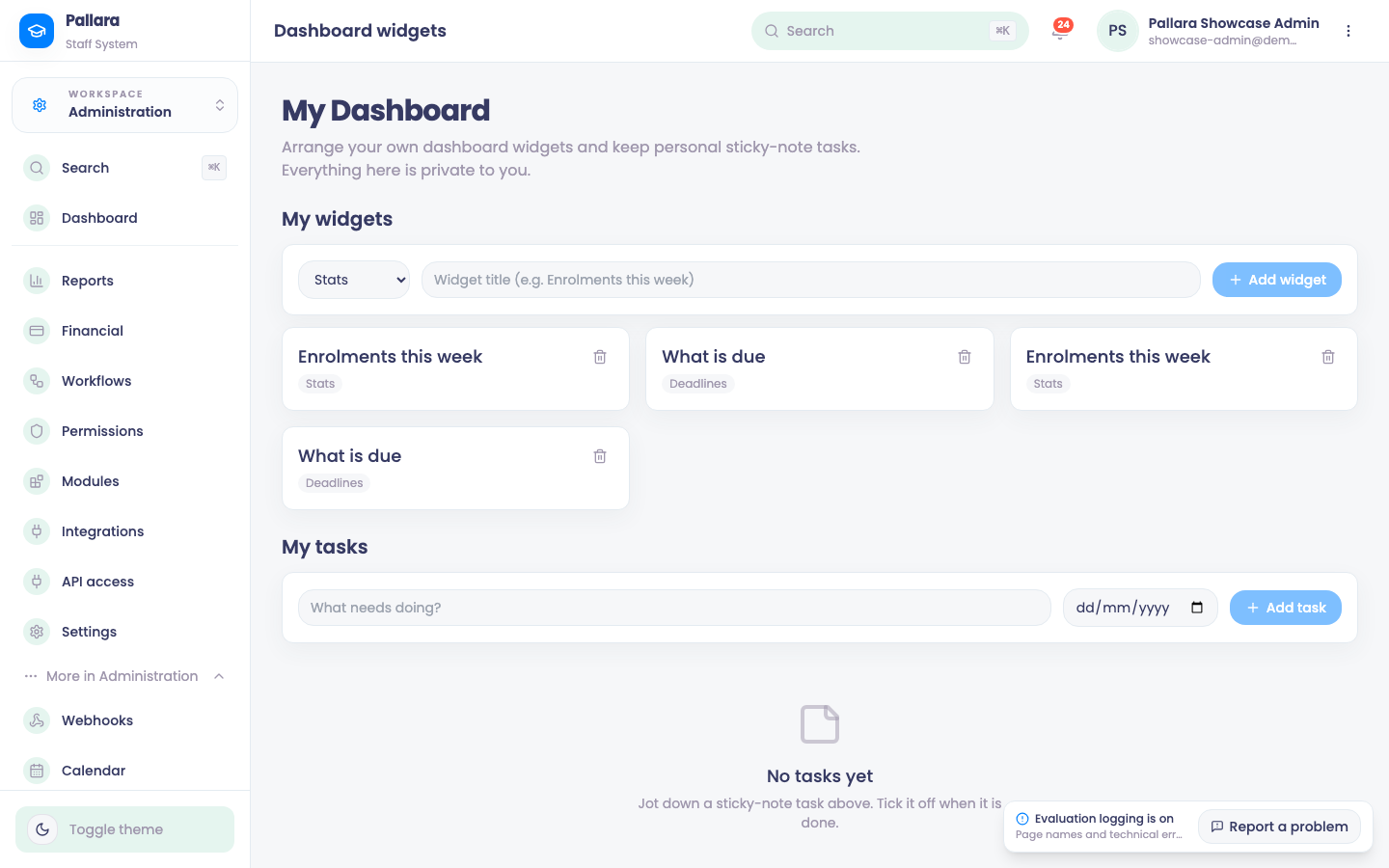
- Open Administration → More → My Dashboard.
- Under My widgets, choose a widget type — stats, deadlines, notices or quicklinks — enter a title and Add widget.
- Under My tasks, enter a title and optional due date and Add task. Tick a task to mark it done.
- Remove widget and Delete task are permanent.
Was this guide helpful?