Prioritise personal tasks in the Eisenhower Matrix
Do first, schedule, delegate, eliminate — a personal board for your own work.
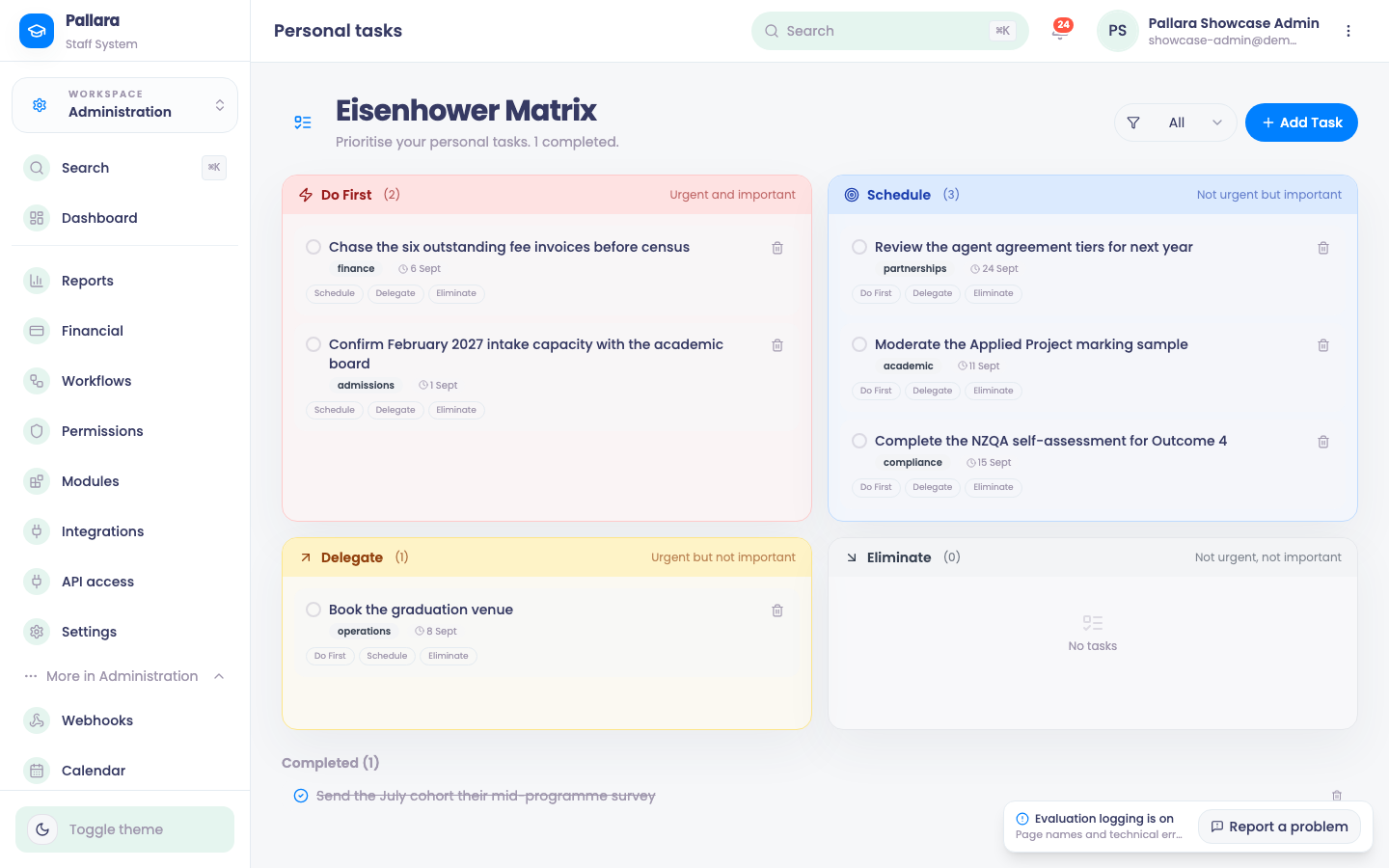
- Open Administration → More → Eisenhower Matrix and select Add Task. Enter a title, description, category and starting quadrant, then save.
- Reprioritise with Do First, Schedule, Delegate and Eliminate on the task.
- Use the category picker beside Add Task to narrow the board; return it to All to see everything.
- Select the circle beside a task to complete it; select it again to reopen. The trash icon deletes permanently.
Was this guide helpful?