Address Finder and duplicate detection
Two optional admissions tools: verified addresses on forms, and merging learners who were entered twice.
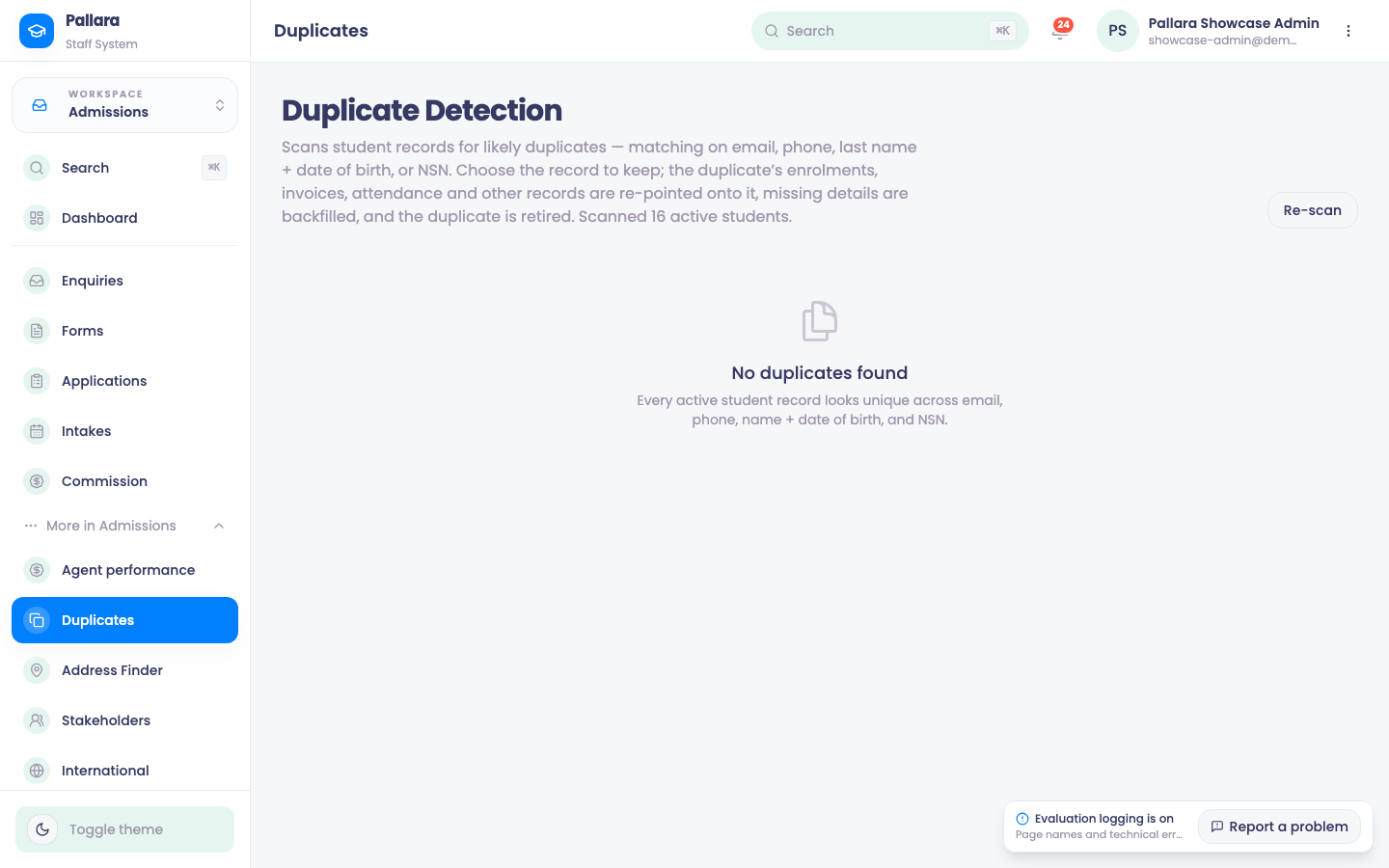
Duplicate Detection scans learner records for likely duplicates — matching on email, phone, last name plus date of birth, or NSN. You choose the record to keep; the duplicate's enrolments, invoices, attendance and other records are re-pointed onto it, missing details are backfilled, and the duplicate is retired. Re-scan runs it again; No duplicates found is the healthy state.
Address Finder tests the New Zealand address autocomplete that powers the address widget in public forms, so applicants enter accurate, validated addresses. Both are modules enabled under Administration → Modules.
Was this guide helpful?