Review AI action approvals
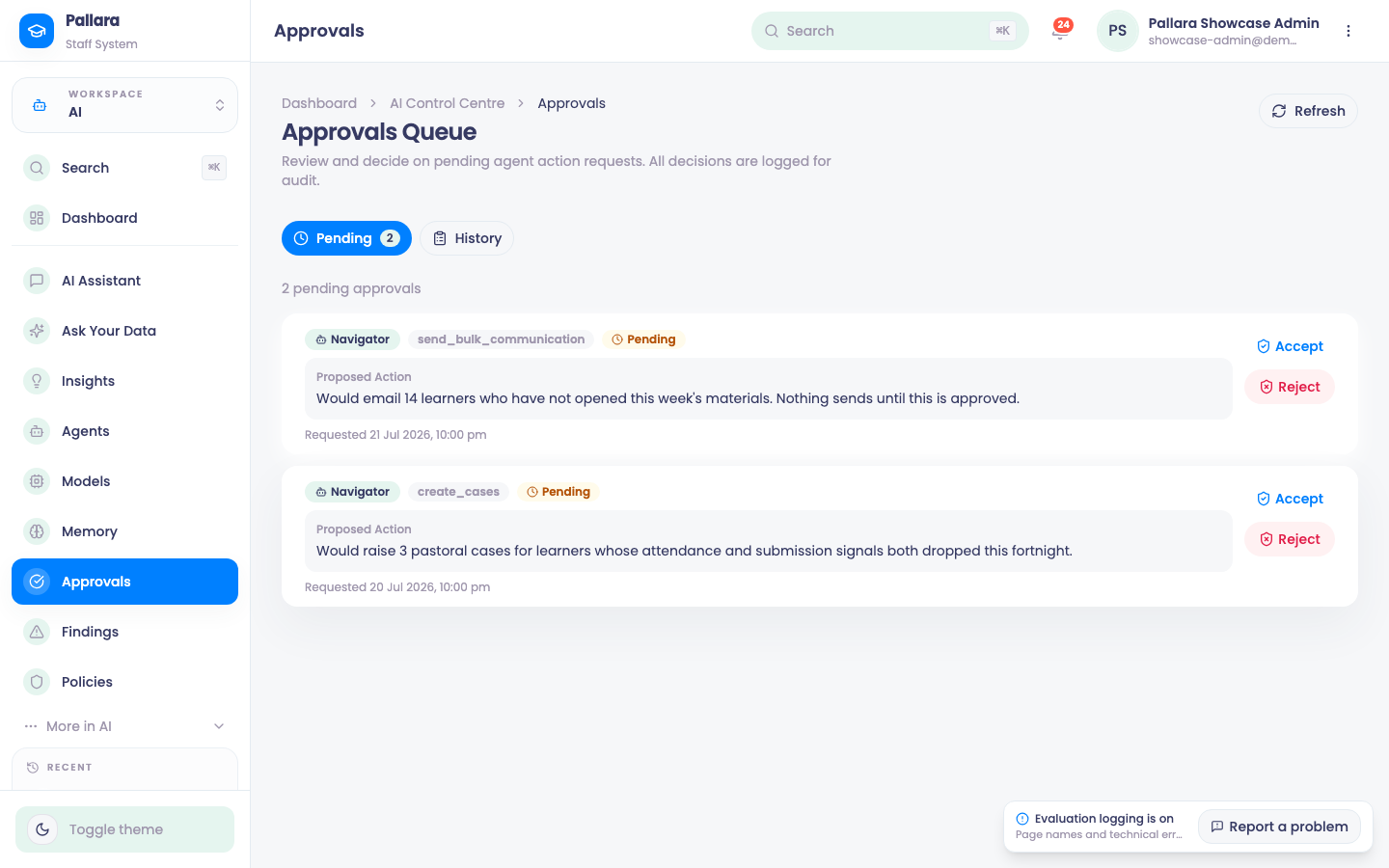
Every action an agent wants to take that your policies gate waits here for a person to accept or reject, with a comment.
Flow
An agent proposes; a person decides
Diagram: An agent proposes; a person decides. Steps:
- Agent proposes an action (e.g. send_bulk_communication)
- Policy match: risk tier, approvers
- Approval required?
- Runs, logged
- Approvals queue (Pending)
- Accept / Reject with a comment
- History + AI audit + activity log
Connections:
- Agent proposes an action (e.g. send_bulk_communication) → Policy match: risk tier, approvers
- Policy match: risk tier, approvers → Approval required?
- Approval required? → Runs, logged (no)
- Approval required? → Approvals queue (Pending) (yes)
- Approvals queue (Pending) → Accept / Reject with a comment
- Accept / Reject with a comment → History + AI audit + activity log
- Accept / Reject with a comment → Runs, logged (accepted)
Pallara does thisDecisionStaff action
- Open AI → Approvals. Pending lists actions awaiting a decision.
- Open an action and read the Proposed Action, such as adding or updating shared AI teaching guidance, and why it was proposed.
- Choose Accept or Reject, enter a comment that gives the operational reason, and complete the confirmation.
- The item leaves Pending. History shows the decision, the timestamp and your comment — that, not the click, is the audit trail.
NoteDecisions are signed with the staff member's identity and written to the AI audit trail and the activity log.
Take careApproval coverage. This queue handles additions and changes to shared AI teaching guidance. Other AI features return suggestions or work within staff permissions without a separate approval step. Demonstration examples may show other actions; they do not indicate additional live approval coverage.
Was this guide helpful?