Review expert findings
Findings the AI raises about a learner or a session — review them, revert them, and open the learner's record from them.
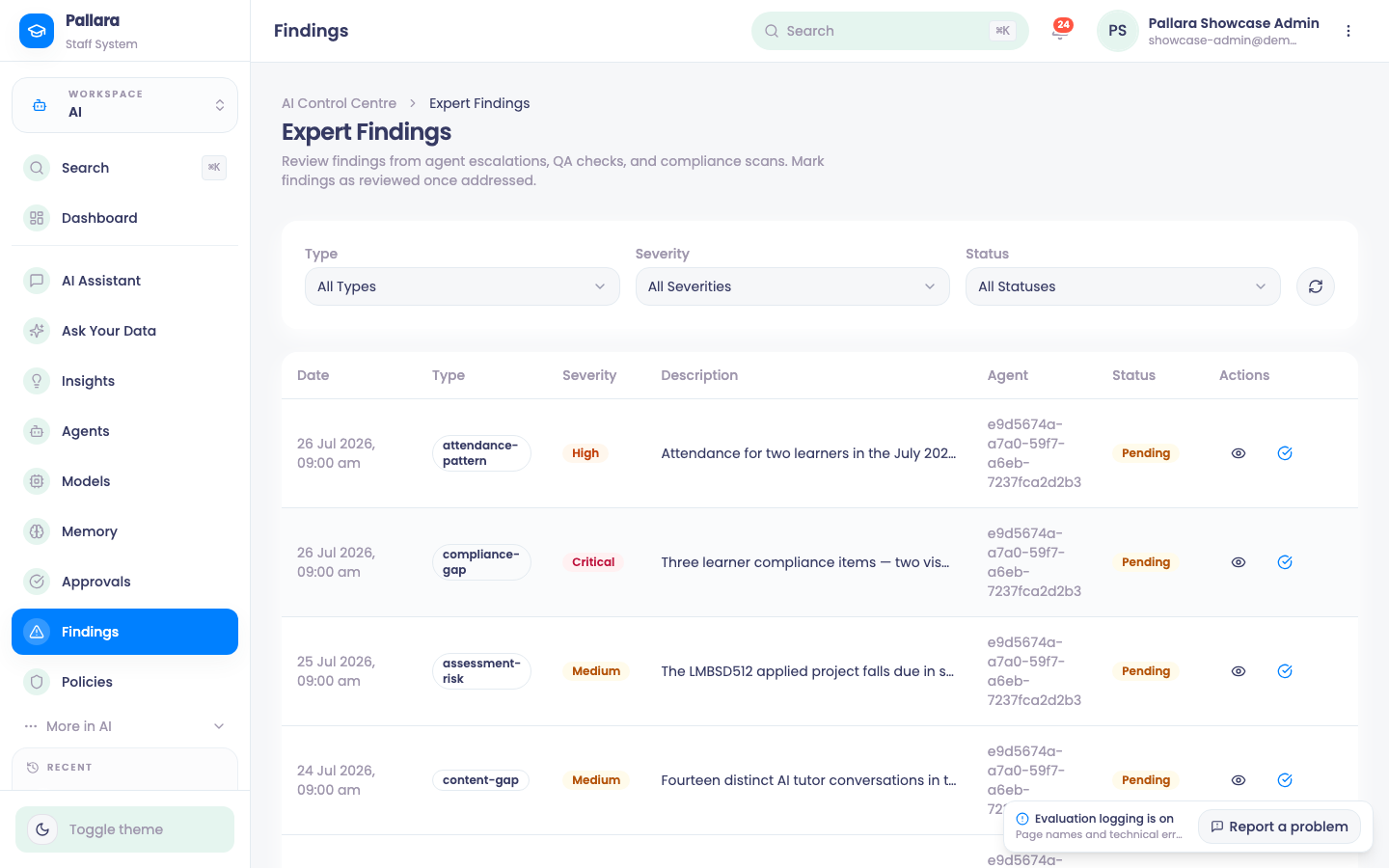
- Open AI → Findings and filter by status, type and severity.
- Select View details for the description, recommendation, session reference and linked learner.
- Select Mark as reviewed; the drawer shows the reviewer and time. Revert to pending clears it if more work is needed.
- View student profile opens the linked learner's record.
NoteCreate Support Ticket is labelled Coming Soon and is not yet an action.
Was this guide helpful?