Search and manage AI memory
See what the assistant remembers, pin what matters, redact what should not have been kept, delete what must go.
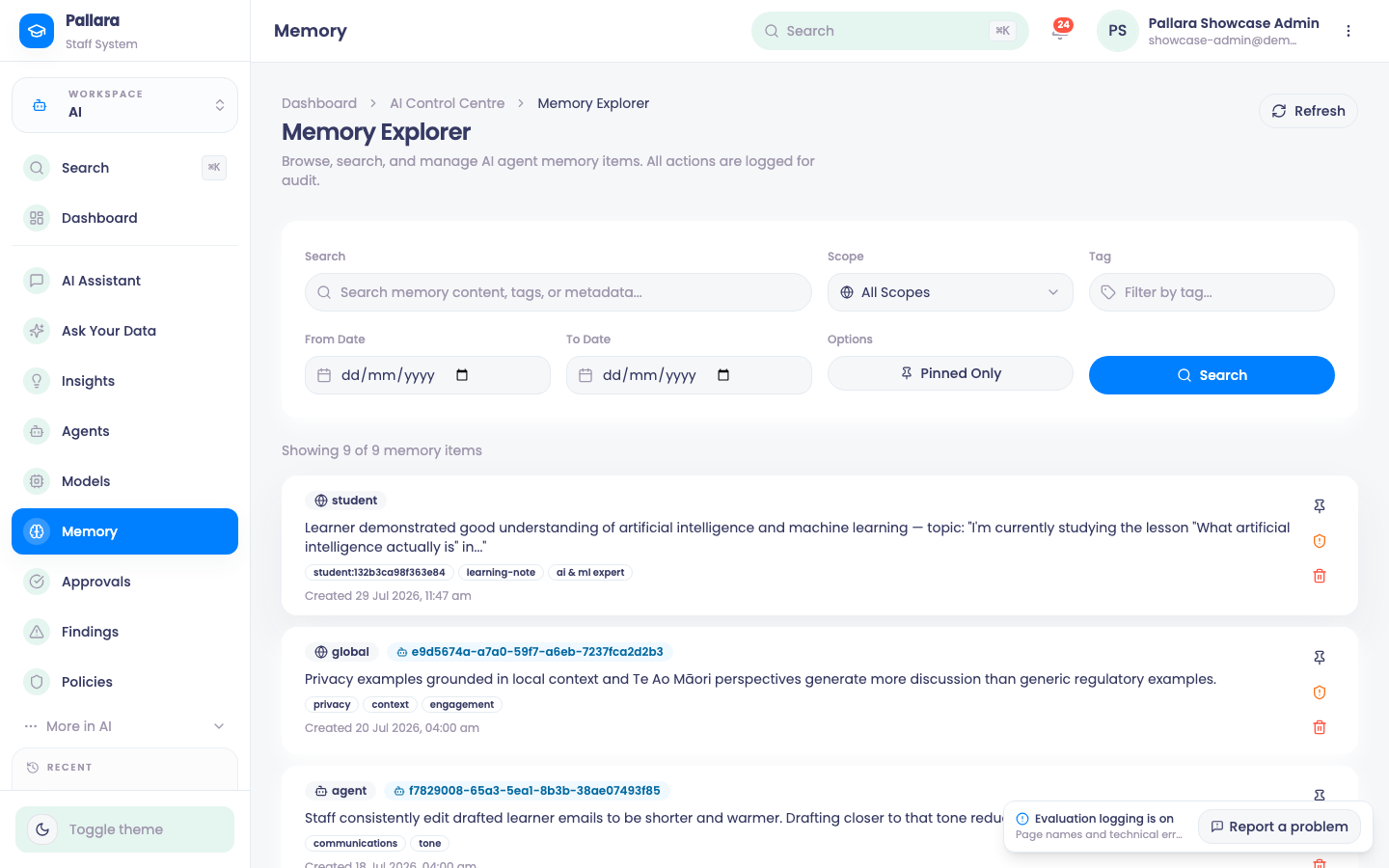
- Open AI → Memory. Filter by search text, Scope (including Student for learner-authored memories), tag, date range and Pinned Only; select Search.
- Pin keeps a useful memory at the top; the action becomes Unpin.
- Redact replaces the content while preserving the audit trail: review the current content, enter a replacement if you want one, and Redact Content. The item shows Redacted.
- Delete removes an item permanently: type
DELETEin the confirmation and select Delete Permanently.
Was this guide helpful?