Create, version and retire AI agents
Agents with a role, instructions and a personality; every save is a new version, and any version can be restored.
Flow
An agent's versions
Diagram: An agent's versions. Steps:
- Create Agent
- Save Changes → new version
- Version History: View / Compare
- Rollback stages an old version
- Save → new current version
Connections:
- Create Agent → Save Changes → new version
- Save Changes → new version → Version History: View / Compare
- Version History: View / Compare → Rollback stages an old version
- Rollback stages an old version → Save → new current version
Staff actionPallara does this
History is never overwritten — a restore is itself a new version.
- Open AI → Agents and select Create Agent. Enter a unique name, choose the role, provide instructions and a personality, and set the primary and fallback models. Select Create Agent.
- Change the instructions and Save Changes. Agent updated — and a new immutable entry appears under Version History.
- Open Version History to View or Compare versions. Rollback stages a prior version in the editor; Save Changes then creates a new current version rather than overwriting history.
- Duplicate creates a Draft copy in its own editor. The row's archive action retires a single draft.
- Tick several cards for Activate Selected or Archive Selected; both confirm first and report a count. The status badge on each card changes immediately.
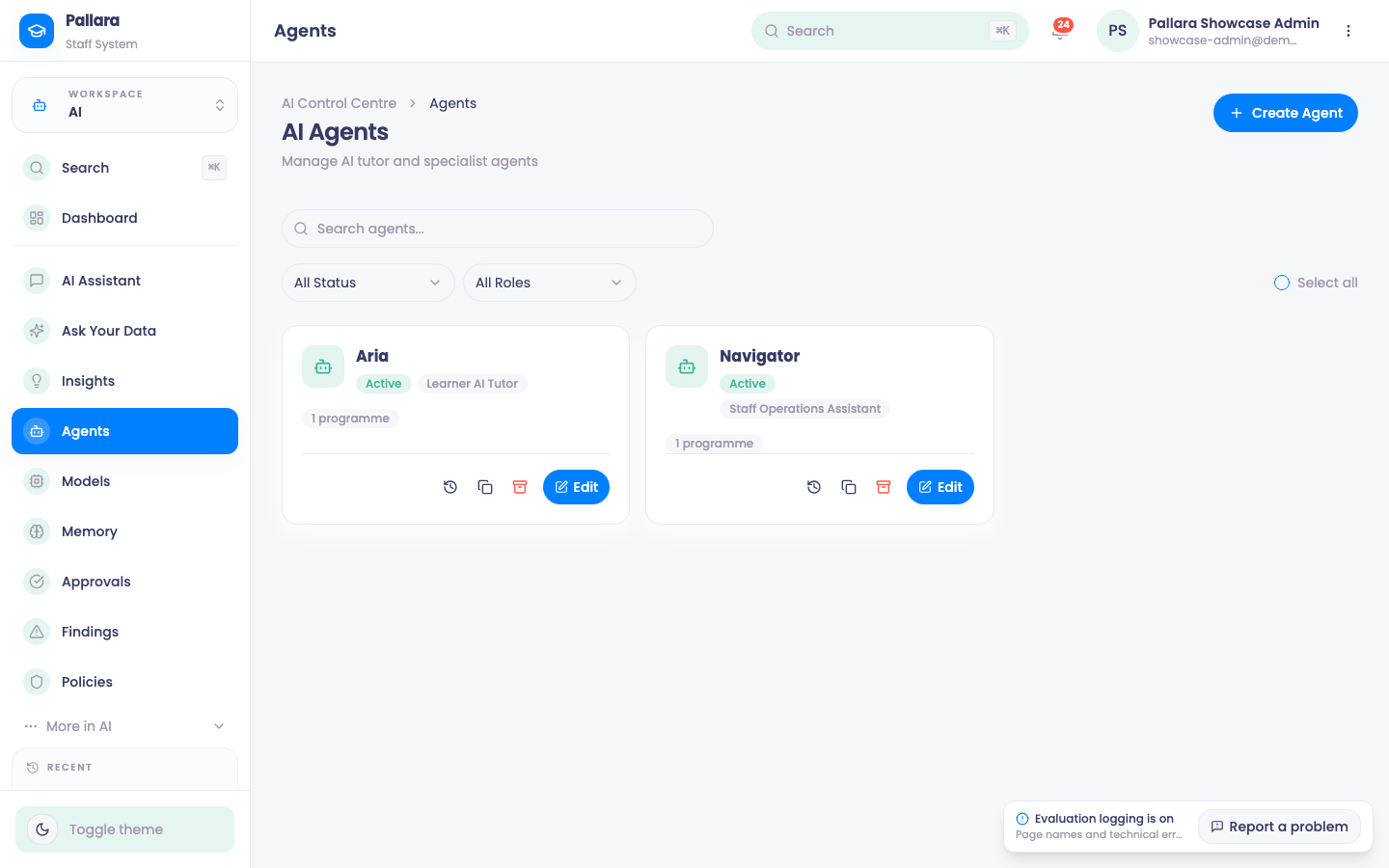
A new provider starts with two agents: Aria, the learner-facing AI tutor, and Navigator, the staff operations assistant behind the AI Assistant and the actions that arrive in Approvals. Each has a role, instructions, a personality and a model; you can create more.
Was this guide helpful?