Configure models and complexity routing
Which model each agent uses, what it falls back to, and how simple queries are routed to cheaper models.
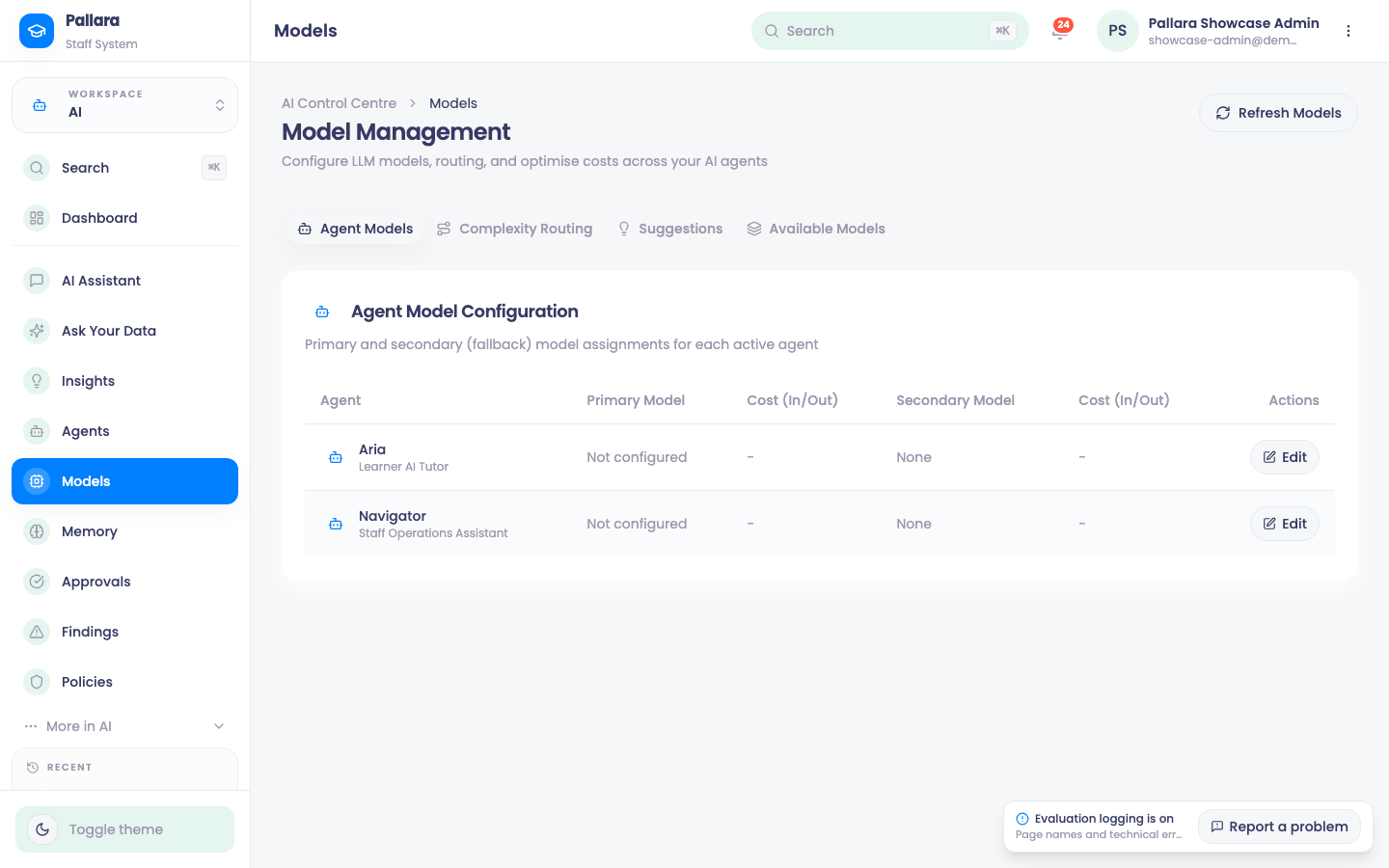
- Open AI → Models. Agent Models lists each active agent with its primary and fallback model, provider and current cost from the registry.
- Select Edit on a row. Choose a provider, search and select a primary model, optionally a fallback, and adjust Temperature. Save Changes.
- Open Complexity Routing. A new provider starts with editable defaults for simple queries and agent-default fields for medium and complex ones, with routing and auto-suggestions enabled. Adjust and Save Routing Config.
- Open Available Models to search the live registry by name, ID or provider, and Refresh Models for a fresh catalogue. The page shows when it was refreshed and how many models it holds.
NoteA model that disappears from the registry stays visible on its agent with a retention notice until you choose another. Nothing is switched under you.
Was this guide helpful?