Give an integrator read-only API access
Mint a token, point your tooling at the OpenAPI document, and page through your own records — read-only, scoped to your provider, allow-listed columns only.
One token, four ways to use it
The MCP server. Claude, ChatGPT or your own agent reads live and picks the resource and filter itself. Read-only, rate-limited, conversational.
Connect an AI assistant →The REST API, described by a generated OpenAPI 3.1 document. 51 resources, cursor-paged, versioned at /api/v1/.
Webhooks. Register an HTTPS endpoint, choose the events, and receive them as they happen — nothing to poll.
Push events to your own systems →A warehouse export set. Scheduled multi-resource CSV snapshots with a manifest, into managed storage or your own S3-compatible bucket.
Export data to a warehouse →What are you trying to do?
Every path, as a list
- Ask questions in an AI assistant The MCP server. Claude, ChatGPT or your own agent reads live and picks the resource and filter itself. Read-only, rate-limited, conversational. Connect an AI assistant
- Read records in my own code The REST API, described by a generated OpenAPI 3.1 document. 51 resources, cursor-paged, versioned at
/api/v1/. API reference - React the moment something happens Webhooks. Register an HTTPS endpoint, choose the events, and receive them as they happen — nothing to poll. Push events to your own systems
- Load whole datasets into a warehouse or BI tool A warehouse export set. Scheduled multi-resource CSV snapshots with a manifest, into managed storage or your own S3-compatible bucket. Export data to a warehouse
What a token can reach
Diagram: What a token can reach. Steps:
- Mint a token (shown once)
- Your warehouse / BI tool / assistant
- /api/v1/* REST, cursor-paged
- /api/mcp MCP server
- Warehouse export set
- Provider row-level security + column allow-list
- Confidential learners, test records and narrowed notes
- Read-only, your provider only
Connections:
- Mint a token (shown once) → Your warehouse / BI tool / assistant
- Your warehouse / BI tool / assistant → /api/v1/* REST, cursor-paged
- Your warehouse / BI tool / assistant → /api/mcp MCP server
- Your warehouse / BI tool / assistant → Warehouse export set
- /api/v1/* REST, cursor-paged → Provider row-level security + column allow-list
- /api/mcp MCP server → Provider row-level security + column allow-list
- Warehouse export set → Provider row-level security + column allow-list
- Provider row-level security + column allow-list → Confidential learners, test records and narrowed notes
- Confidential learners, test records and narrowed notes → Read-only, your provider only
API access is where credentials live, not where an integration is set up. It mints and revokes tokens. What you then do with a token — read records over REST, connect an AI assistant, subscribe to events, schedule a warehouse export — is four different jobs with four different guides. This one covers the credential, and points at the other three.
Which one do you actually want?
All four use the same token and the same limits. They differ in who is asking and how often.
| If you want to… | Use | Guide |
|---|---|---|
| Ask questions in an AI assistant — Claude, ChatGPT, your own agent | The MCP server | Connect an AI assistant |
| Read and transform records in your own code | The REST API and its OpenAPI document | This guide |
| Know the moment something happens | Webhooks | Push events to your own systems |
| Load scheduled datasets into a warehouse or BI tool | A warehouse export set | Export data to a warehouse |
Mint a token
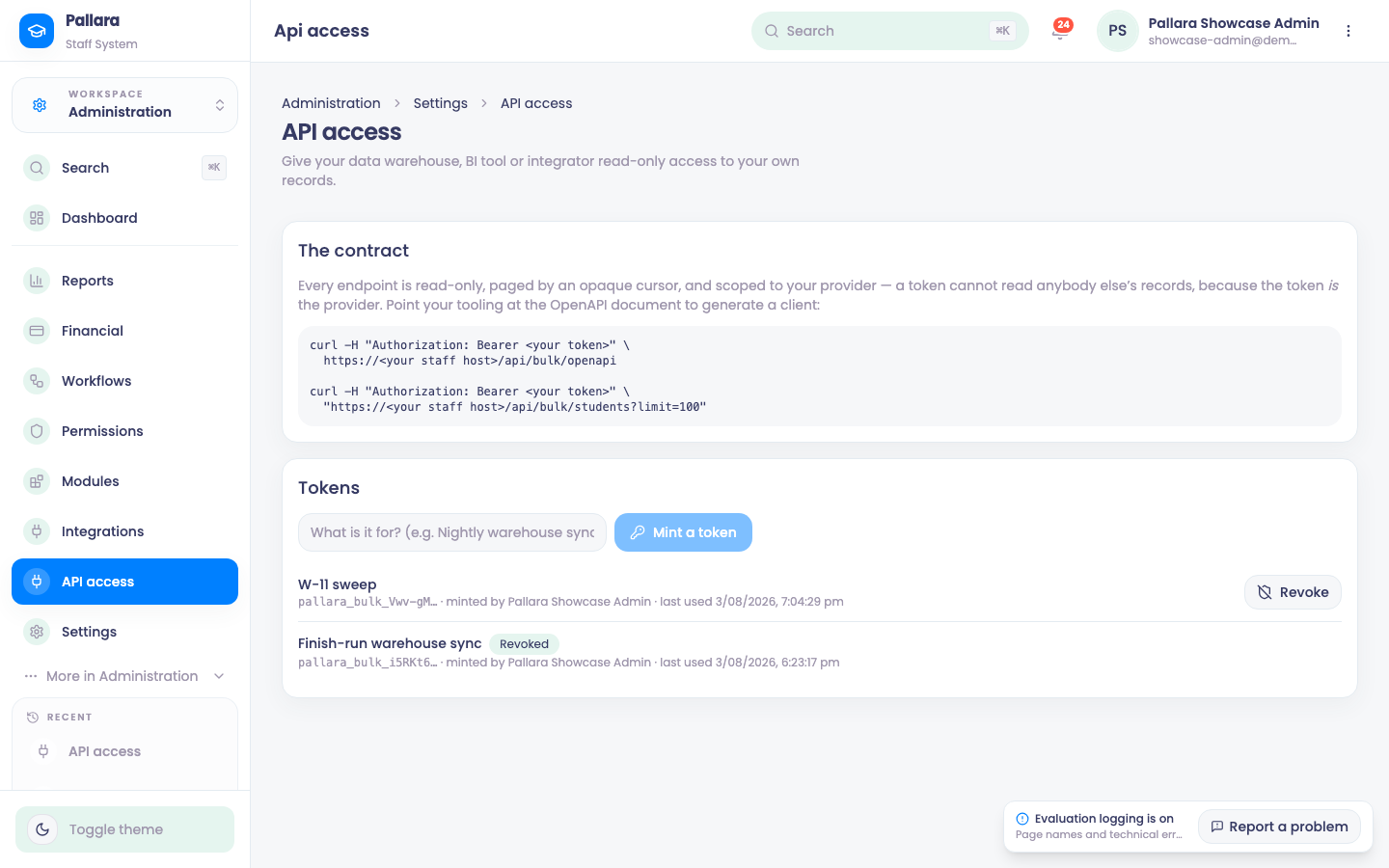
- Open Administration → Settings → API access (administrators only).
- Name the token after what will use it — “Nightly warehouse sync”, “Power BI”, “Claude Desktop” — because that name is all you will have when you come to revoke one.
- Select Mint a token. It is shown once. Only a SHA-256 hash is stored; if it is lost, revoke it and mint another. Nobody at Pallara can recover it, and we would not want to be able to.
- The list shows each token's first characters, who minted it and when it was last used. Revoke takes effect on the next request; revoked tokens are kept so the history still reads.
One token per integration
- Mint one per consumer, not one per person. Revoking the warehouse's token should not break Power BI, and the last-used column should tell you which of them is still running.
- Name it for the consumer. Six months on,
Nightly warehouse syncis a decision you can make andSimon's tokenis not. - Store it in a secret manager, not in a repository or in the plain text of a scheduled-job definition.
- Last used is the retirement signal. A token nothing has touched for months is either a job that quietly stopped or a credential nobody needs. Both are worth knowing.
- Rotate by overlap: mint the replacement, move the consumer onto it, confirm the new token's last-used moves, then revoke the old one. There is no expiry to plan around, so nothing forces a rotation on you — which is exactly why it is worth putting one in the calendar.
Test the connection
One request tells you the token works, the host is right and the scope resolved:
curl -s -H "Authorization: Bearer $PALLARA_TOKEN" \
  "https://<your staff host>/api/v1/students?limit=1&count=true"

{ "resource": "students", "total": 412 }
A 401 means the token is missing, malformed, revoked or unknown. A 404 names the resource you asked for and lists the ones that exist.
Read a page
curl -s -H "Authorization: Bearer $PALLARA_TOKEN" \
  "https://<your staff host>/api/v1/enrolments?status=active&limit=100"

{ "resource": "enrolments", "count": 100, "next_cursor": "0f8a1c34-…", "data": [ … ] }
Pass next_cursor back as cursor for the next page; null means the end. Paging is by primary key rather than offset — an offset over a table that is being written to silently skips and repeats rows, which is the one failure a nightly sync cannot detect.
There are 51 resources across seven domains, each with a fixed server-side column allow-list. ?fields= narrows the columns, ?sort= orders, and filters use field=value or field[gte]=…. The API reference has the full list, the operators and the limits.
The published contract
curl -s -H "Authorization: Bearer $PALLARA_TOKEN" \
  https://<your staff host>/api/v1/openapi
An OpenAPI 3.1 document describing every resource and column, generated from the same registry the endpoints read — it cannot describe a shape the API does not serve. Point your client generator at it rather than hand-writing types.
/api/bulk/* surface still works exactly as it did, with its original eight collections and their original field lists. It is frozen on purpose: an integrator already consuming it should not have to change anything. New work should use /api/v1/, which is where the other 43 resources are.What a token can and cannot do
- Read-only. The read API has no write endpoints. The one documented write action — creating an enquiry — is separate and described in its own guide.
- Your provider only. The token resolves to exactly one provider and every query then runs inside that provider's row-level security. The tenant is not a parameter on any endpoint, so there is no request that widens it.
- Allow-listed columns only. Adding a column to the allow-list adds it to the API and to the published contract in the same change. Credentials, IRD and passport numbers, conviction fields, medical notes and learning accommodations are excluded platform-wide, and a test fails the build if one appears.
- Real learners only. Test records are excluded, always.
- A token is nobody. Learners your provider has marked confidential are excluded outright — a machine credential is not a member of staff, so there is no access list it could be added to. A restricted learner reads as not found, never as forbidden, because a 403 would confirm the record exists.
- Notes written for a narrower audience stay there. A case note scoped to pastoral staff, to its author and managers, or to chosen roles is not returned to a token at all — only notes visible to all staff are.